Langdock Workflows
Build powerful process automation with AI actions and human-in-the-loop.











Automate anything.
Deploy custom workflows for all departments.
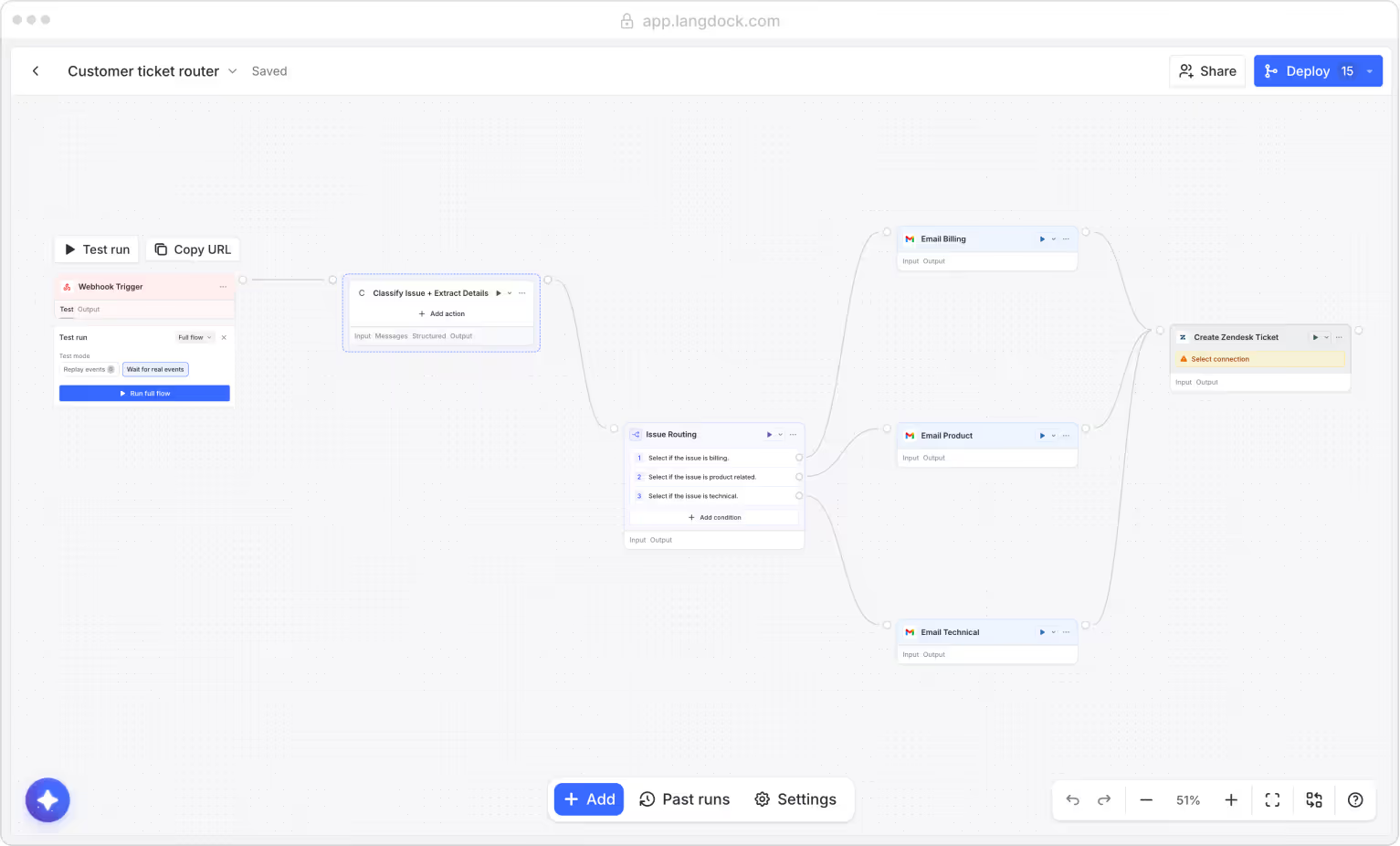
Customer ticket router
Classifies incoming customer emails, routes them by issue type.
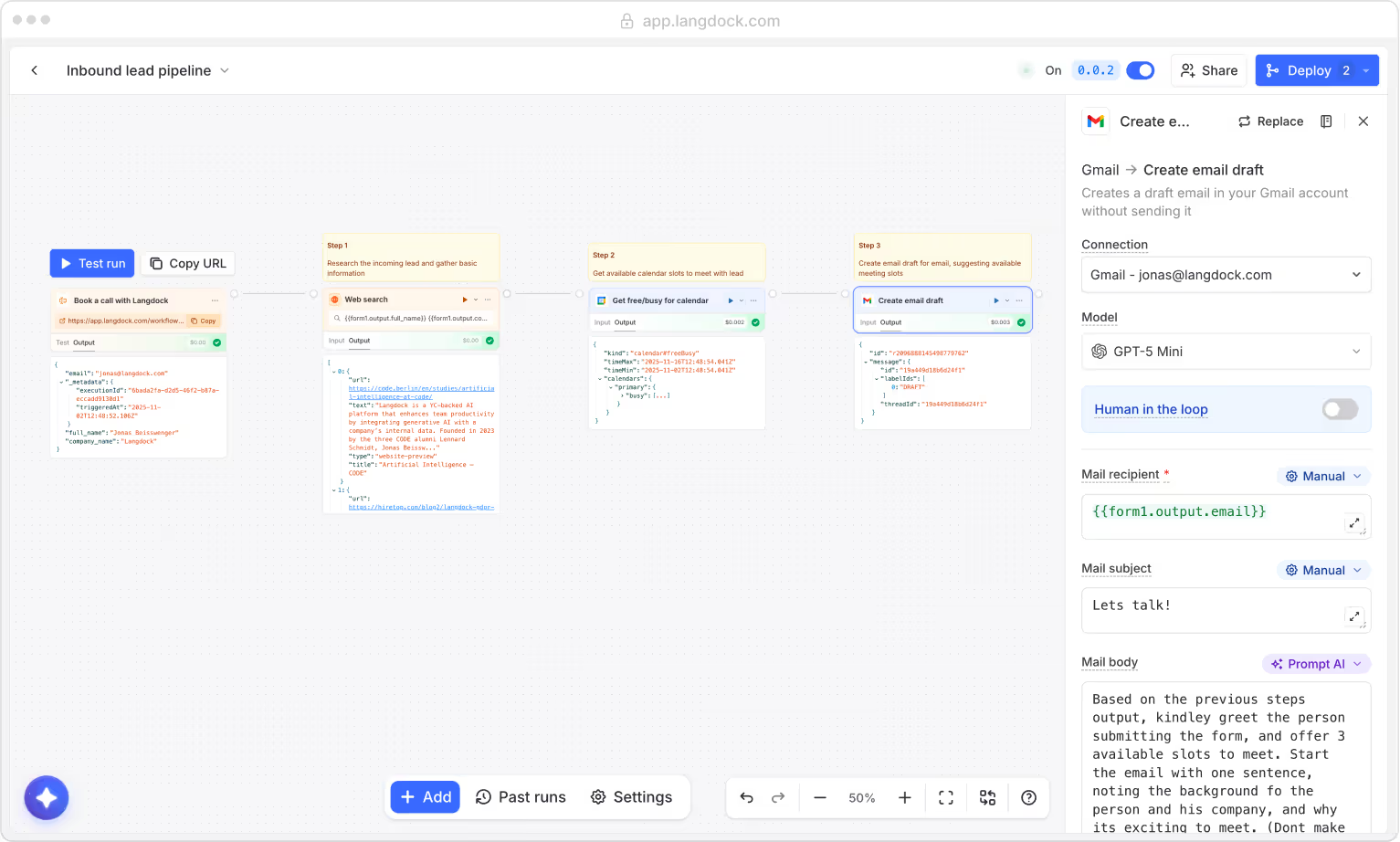
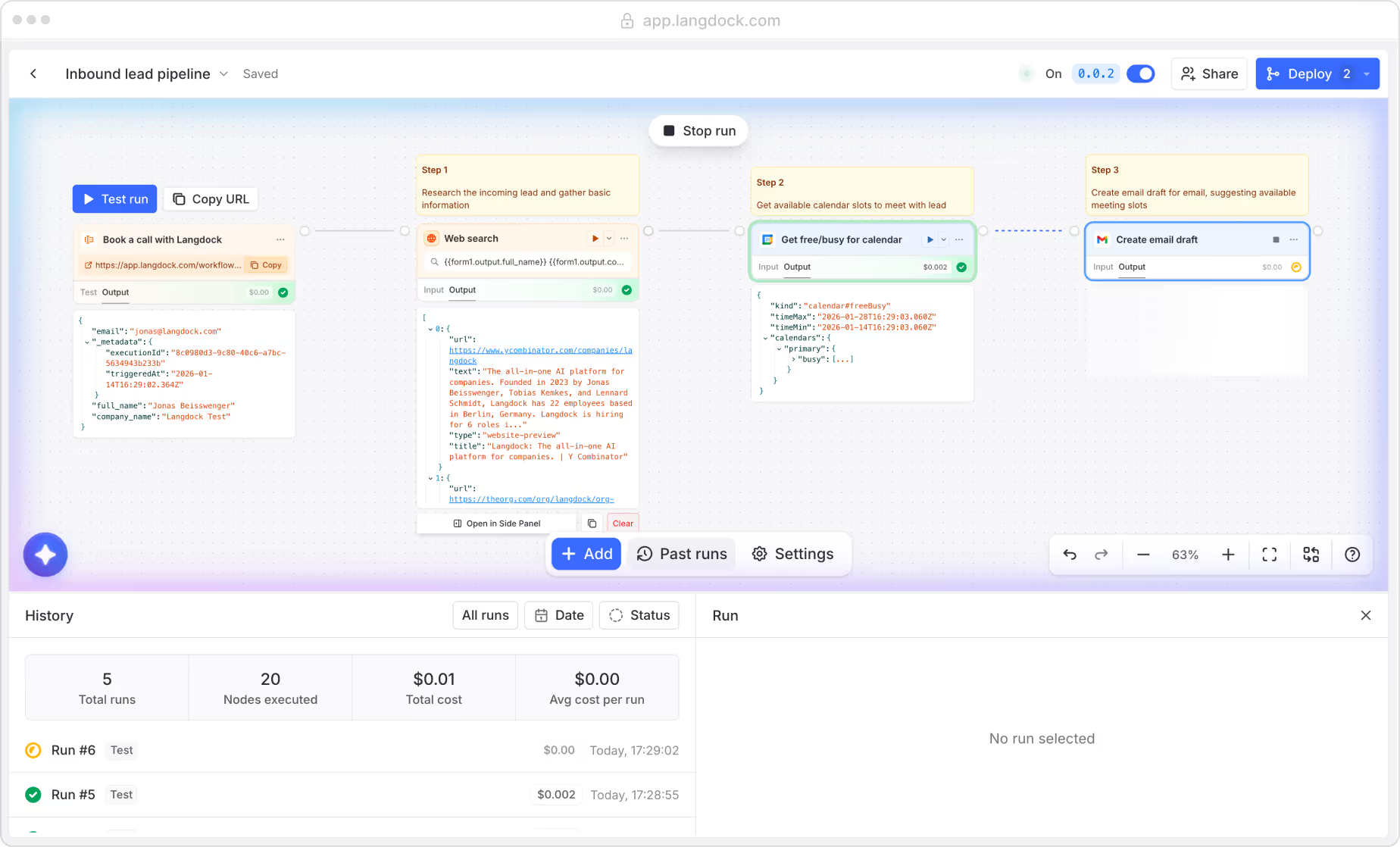
Process incoming leads
Review, qualify, and schedule follow‑ups for every new lead.
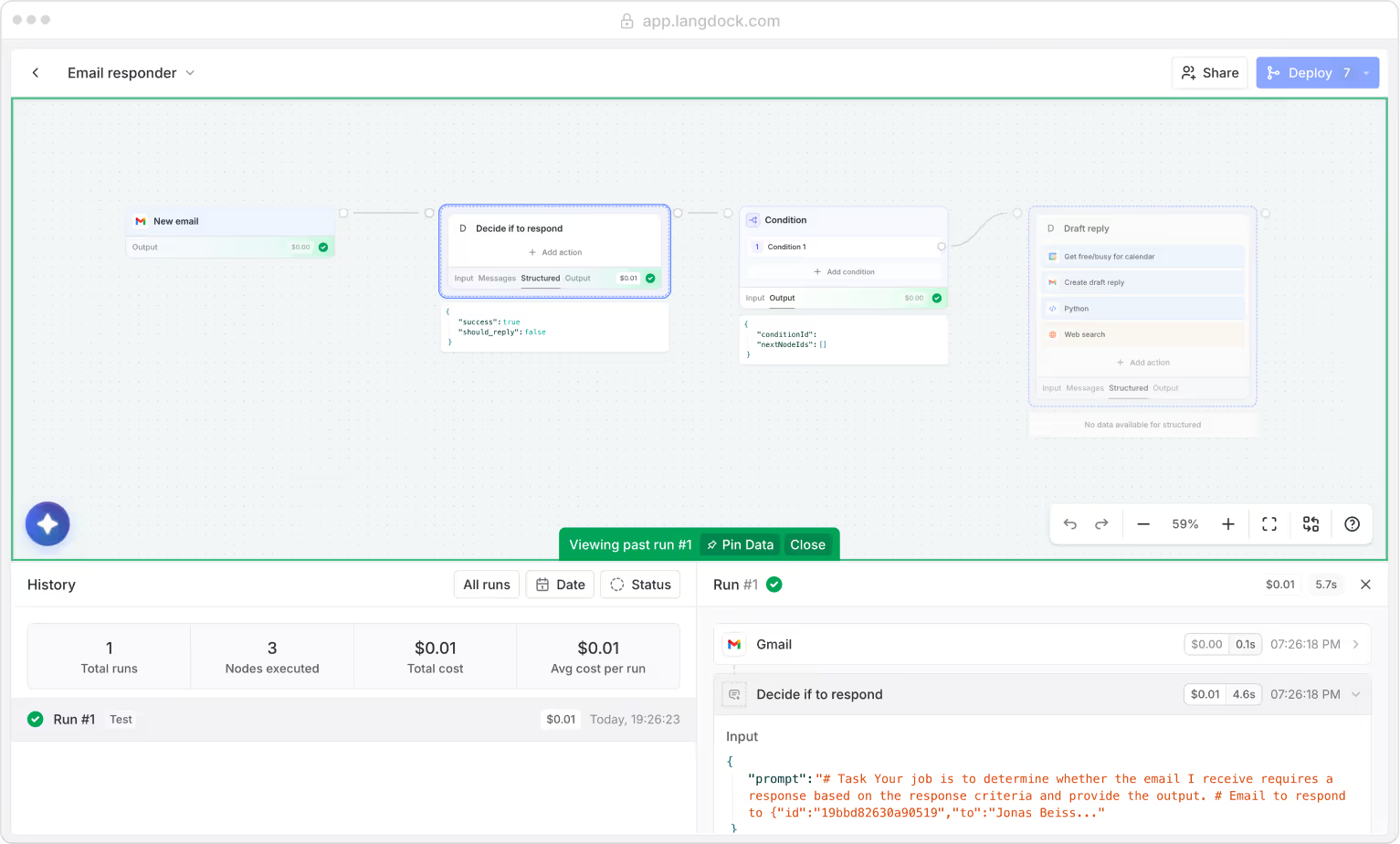
Personal email draft generator
Checks incoming emails and creates a draft reply if applicable.
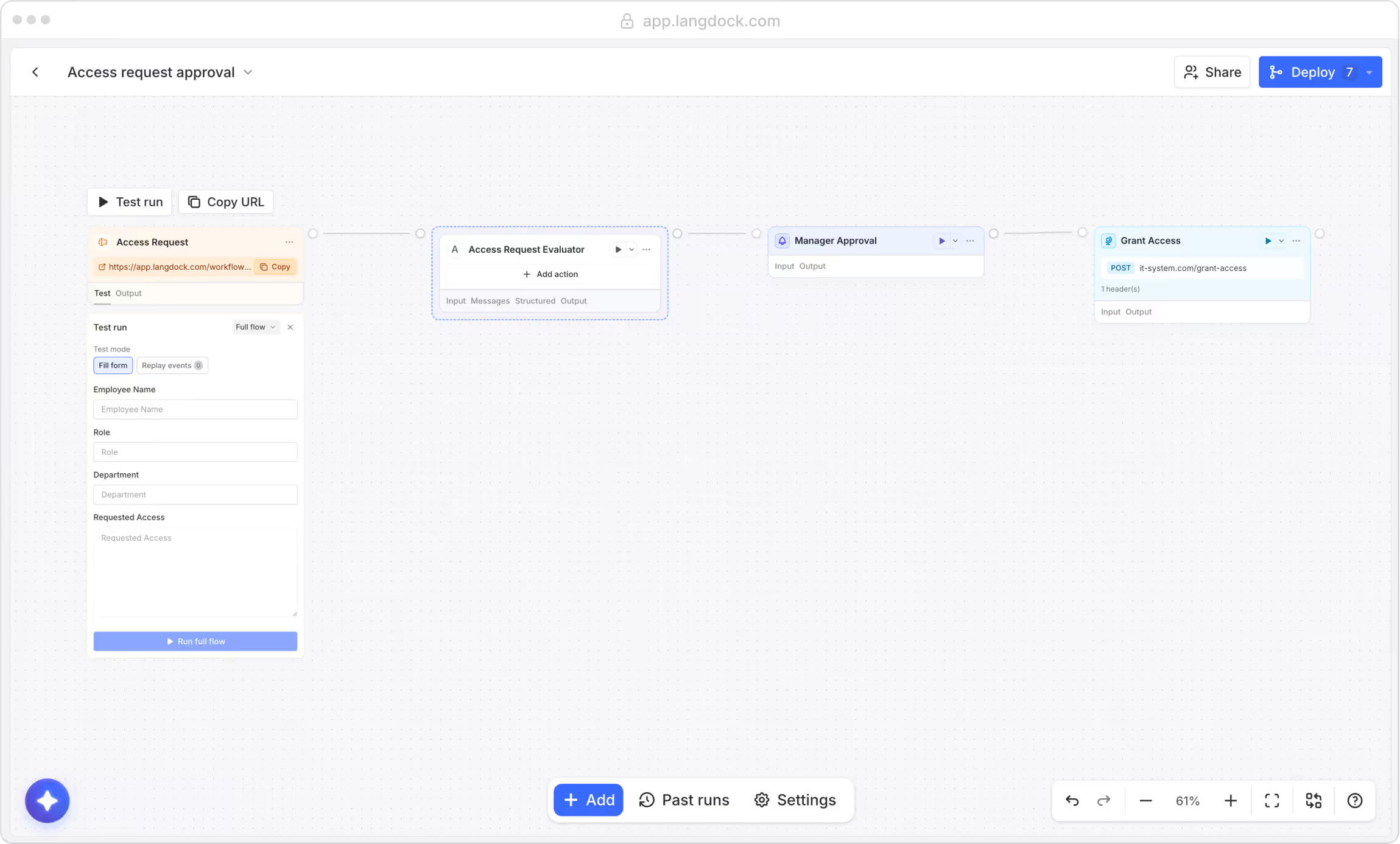
Access request approval
Review, qualify and schedule follow‑ups for every new lead.
Build with full flexibility.
Choose between agentic or fully deterministic automation.
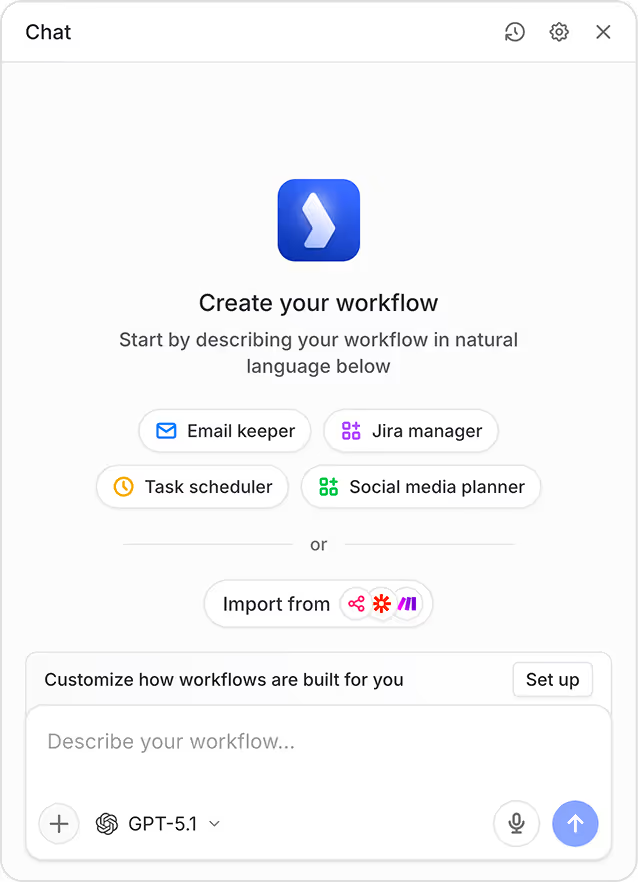
AI native
Use the built-in AI agent to build your workflow.
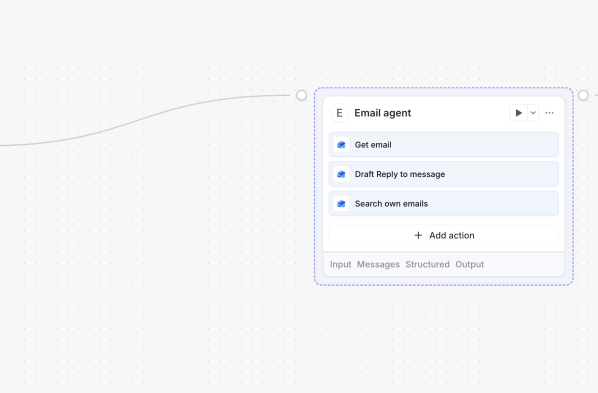
Agent block
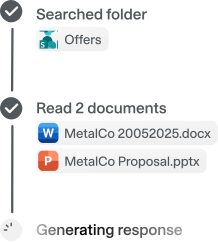
Use agents inside workflows to execute tools and generate structured outputs.
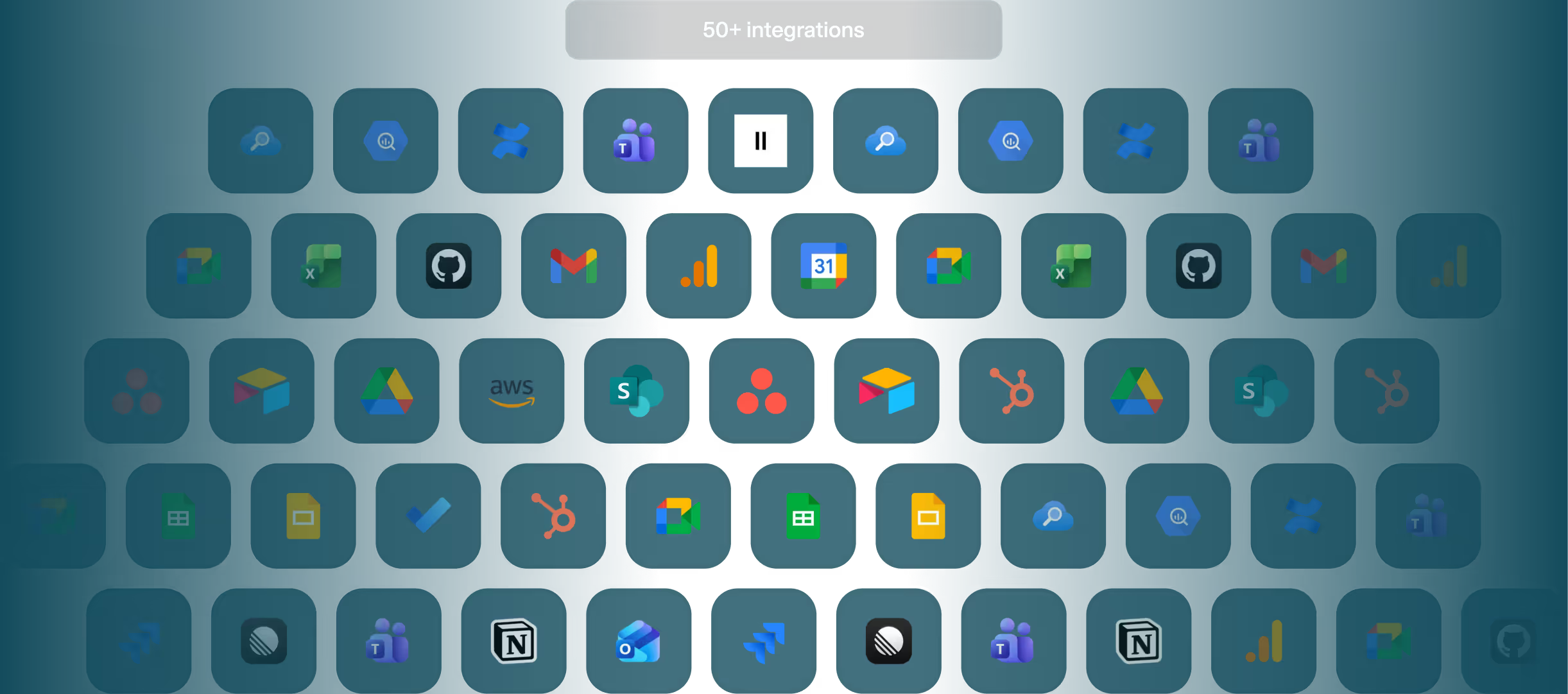
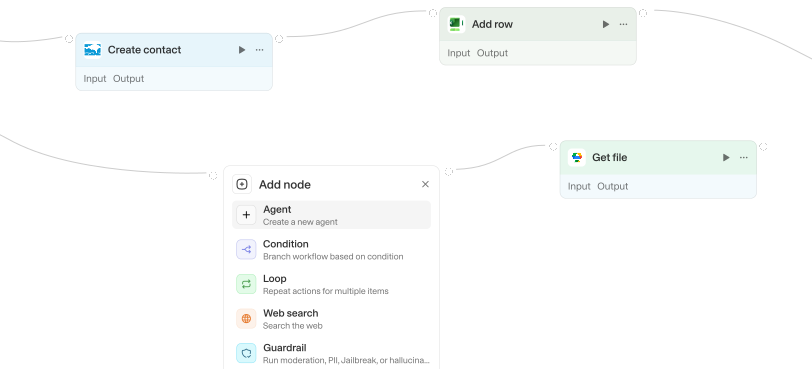
Over 50 integrations
Select from over 700 actions. View all integrations.
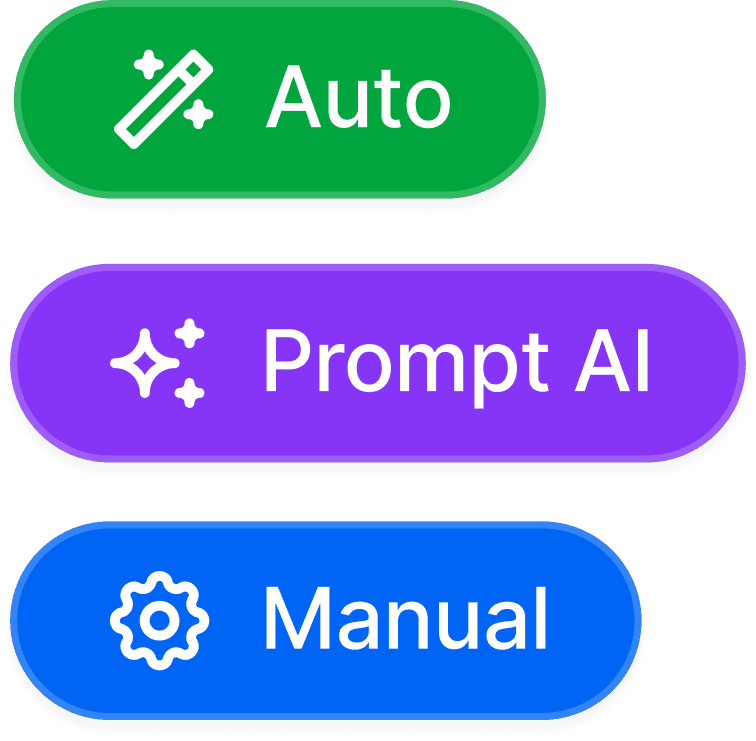
Prompt, manual or auto
Choose exactly how much control you need over every field on each action.
Deploy
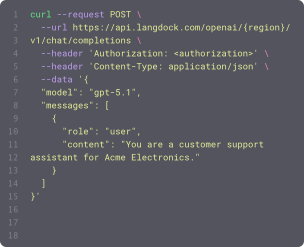
Deploy your workflow with the click of a button.
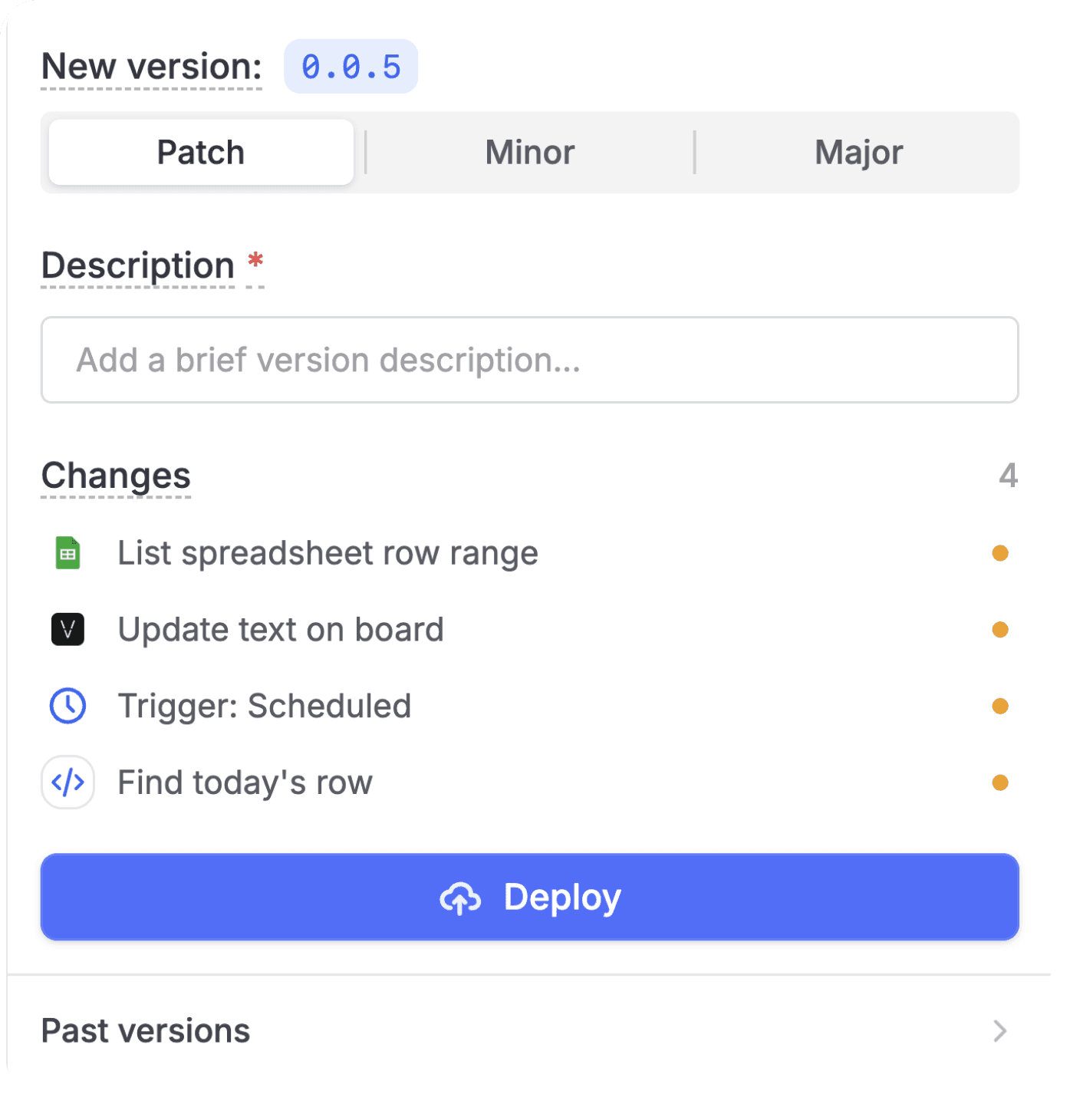
Versioning
Use easy and revertible versioning, similar to git commits.
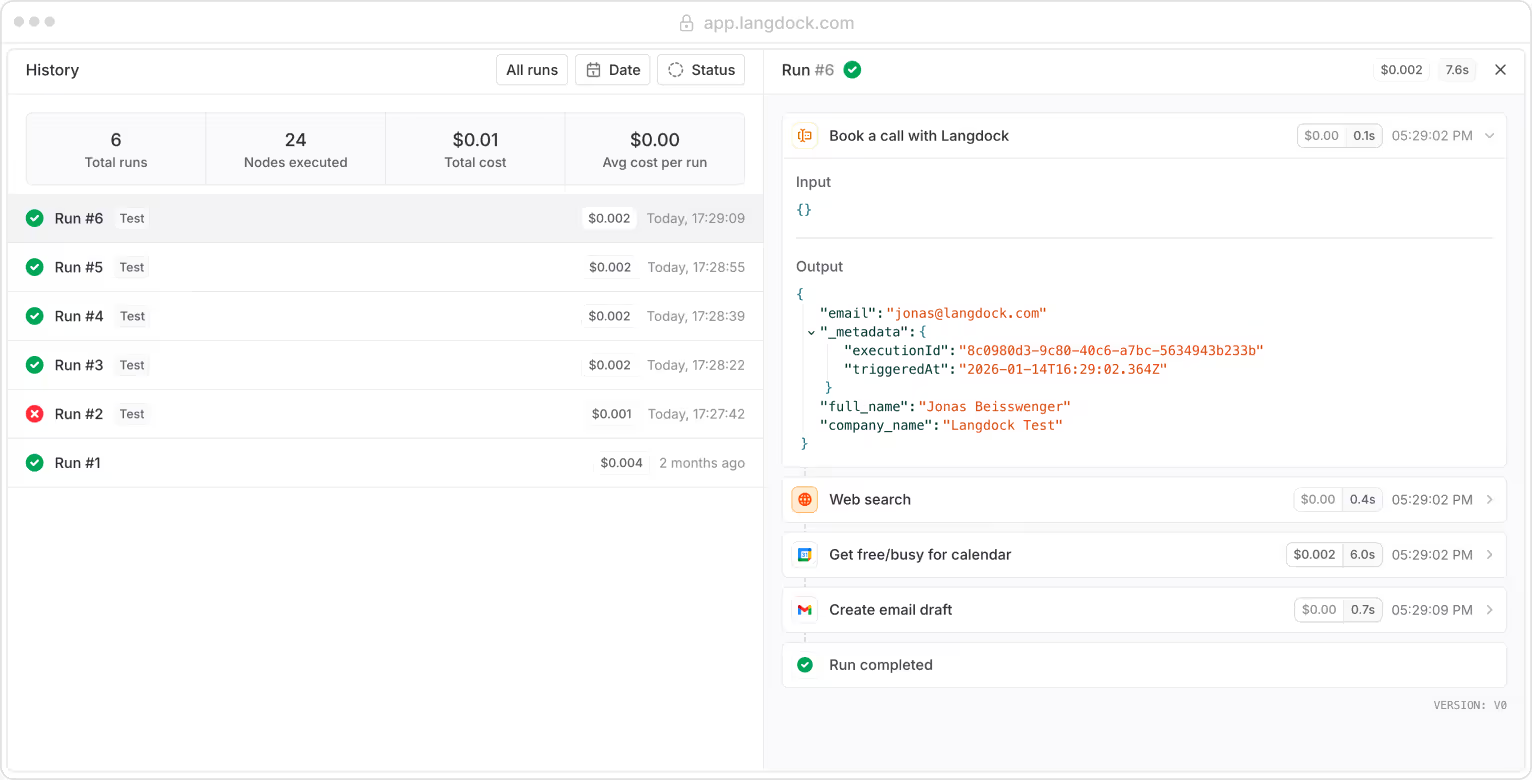
Run history
View past runs, inspect and effectively debug issues when they happen.
Questions & answers
Langdock Workflows let you automate multi-step processes using AI, integrations, and custom logic. They connect agents, apps, and decision rules into one continuous automation.
Chat lets you collaborate with AI interactively; Agents handle single tasks; Workflows orchestrate entire processes end‑to‑end.
Everything from lead processing and document generation to customer support triage, batch data operations, internal approval flows, and cross‑app automations.
Not at all. Workflows use a visual builder with nodes, variables, and integrations you can drag, configure, and connect. No engineering background required.
Workflows must be enabled by a workspace admin. Once activated, any user who has access can build, test, and deploy automations.