Langdock Mobile
Use Langdock wherever you are. Available for Android and iOS.
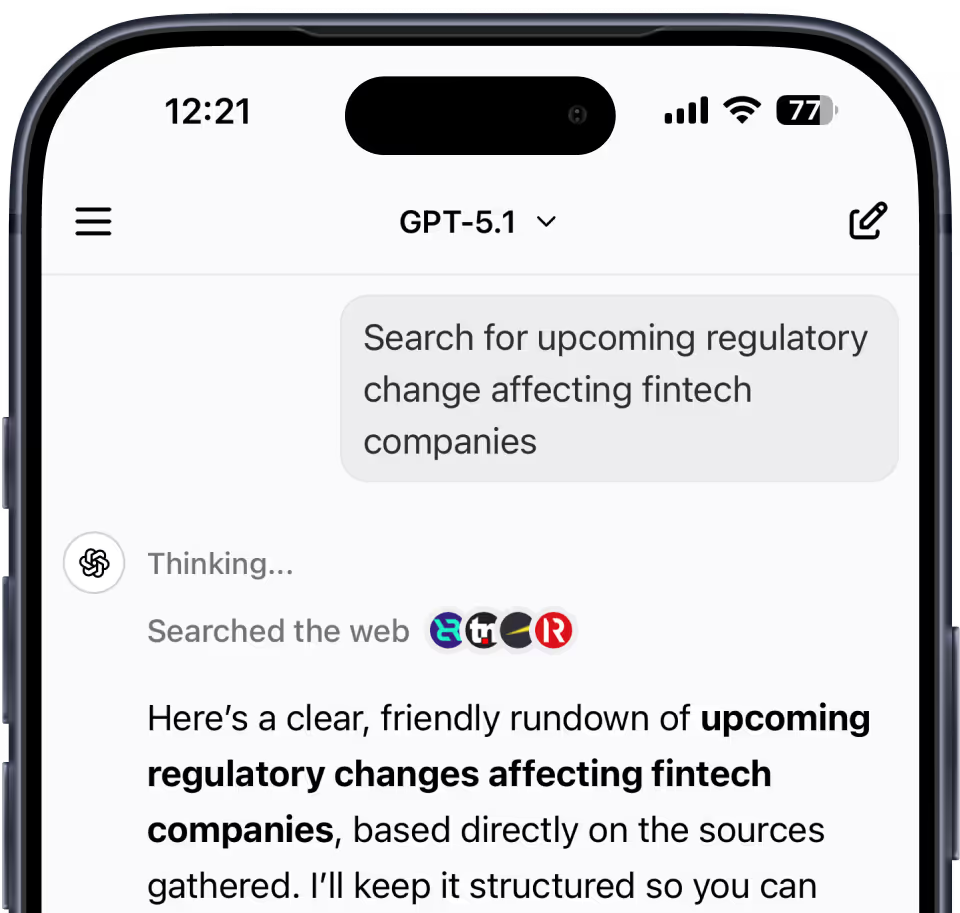
The best of Langdock in your pocket.
Switch seamlessly between model agnostic chat and agents.
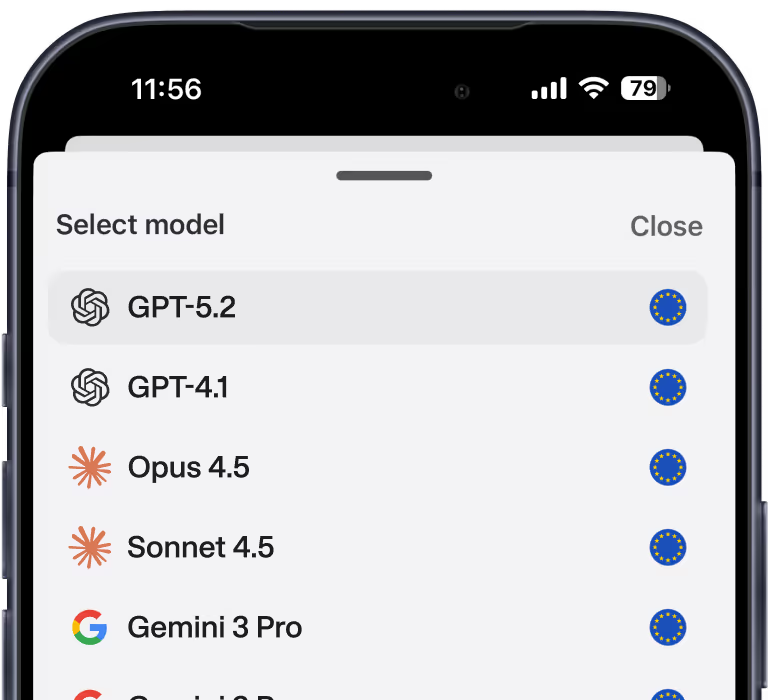
Model agnostic
Use your favourite AI models on the go.
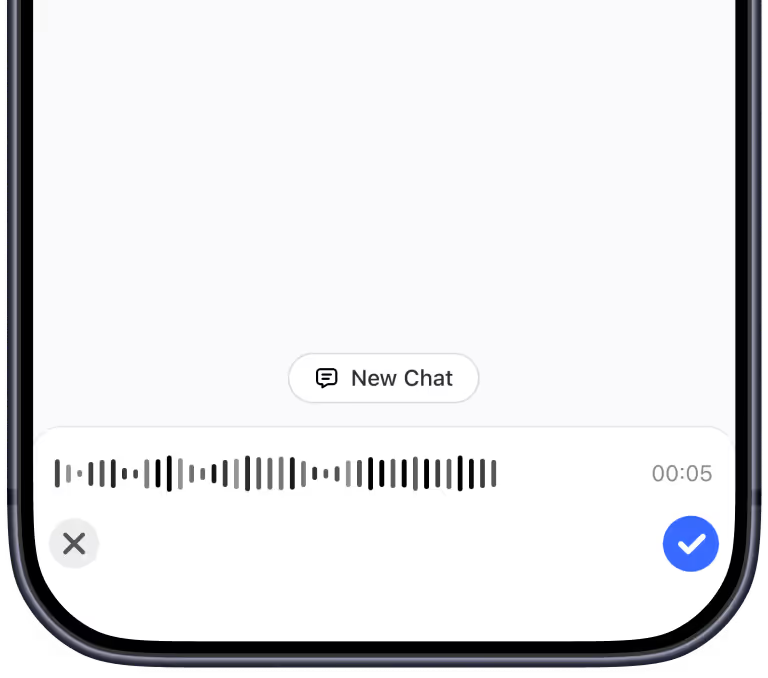
Voice input
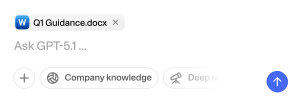
Use hands-free voice input to capture ideas while you're moving.
High quality reasoning
Leverage top-tier reasoning models for sophisticated problem-solving.
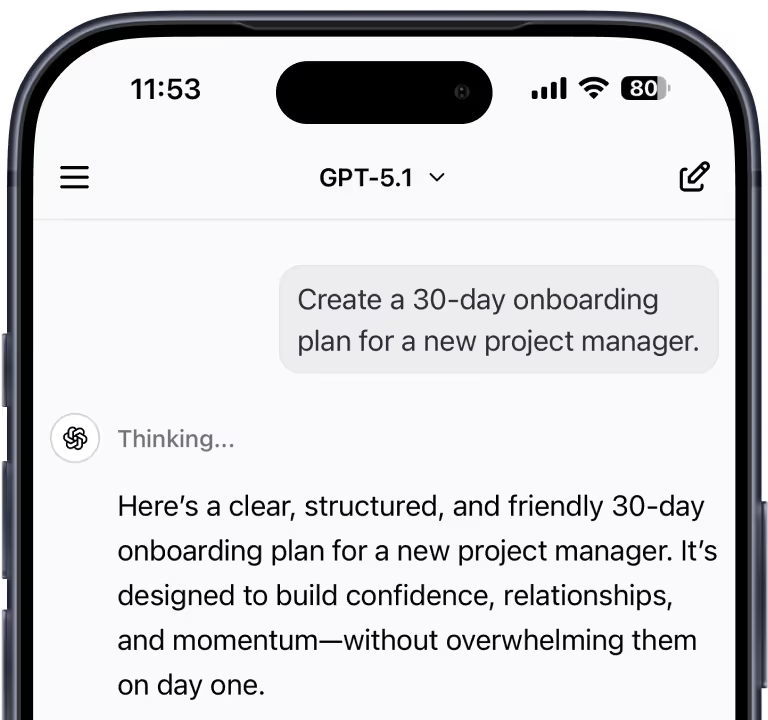
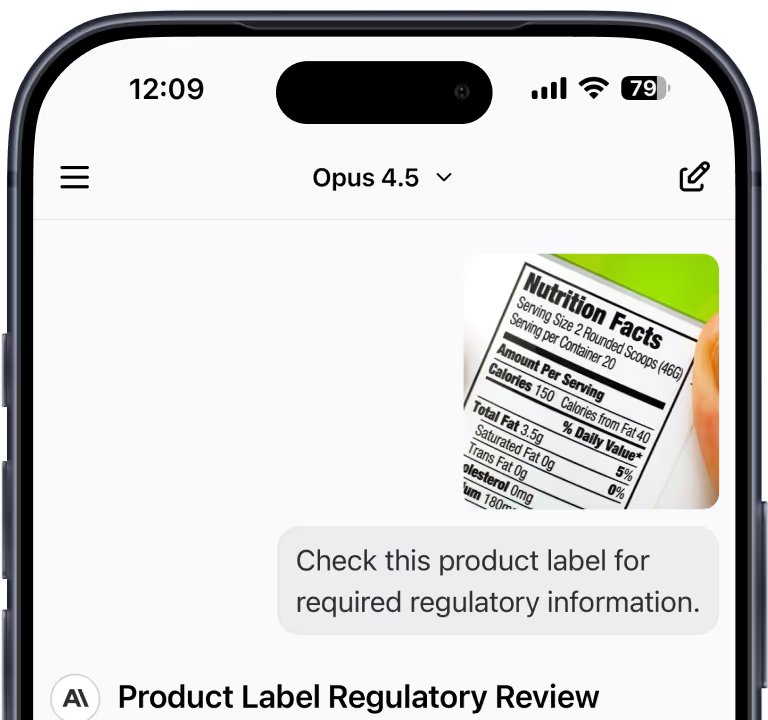
Image support
Upload or capture photos for easy document analysis
Questions & answers
You can use all the same models as in the web version of Langdock. Admins can adjust which models are available to users in the workspace.
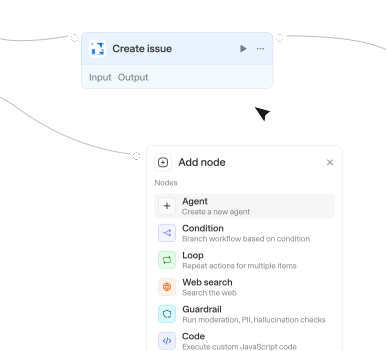
The Langdock App includes Chat & Agents. For Workflows or workspace settings please use our desktop version.
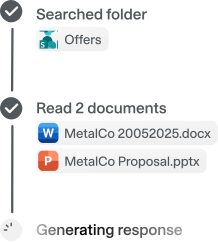
Absolutely. Langdock integrates with platforms like Google Drive, Notion, Slack, Salesforce, Jira, Confluence, and more, so you can access documents and trigger actions directly through AI chat.
Yes. Langdock is built for enterprise security, with EU‑based hosting options, ISO 27001 certification, SOC 2 Type II compliance, and strict access‑control mirroring for connected apps. Your data is processed with high privacy and governance standards. You can learn more about how we keep your data safe here.