Langdock Meetings
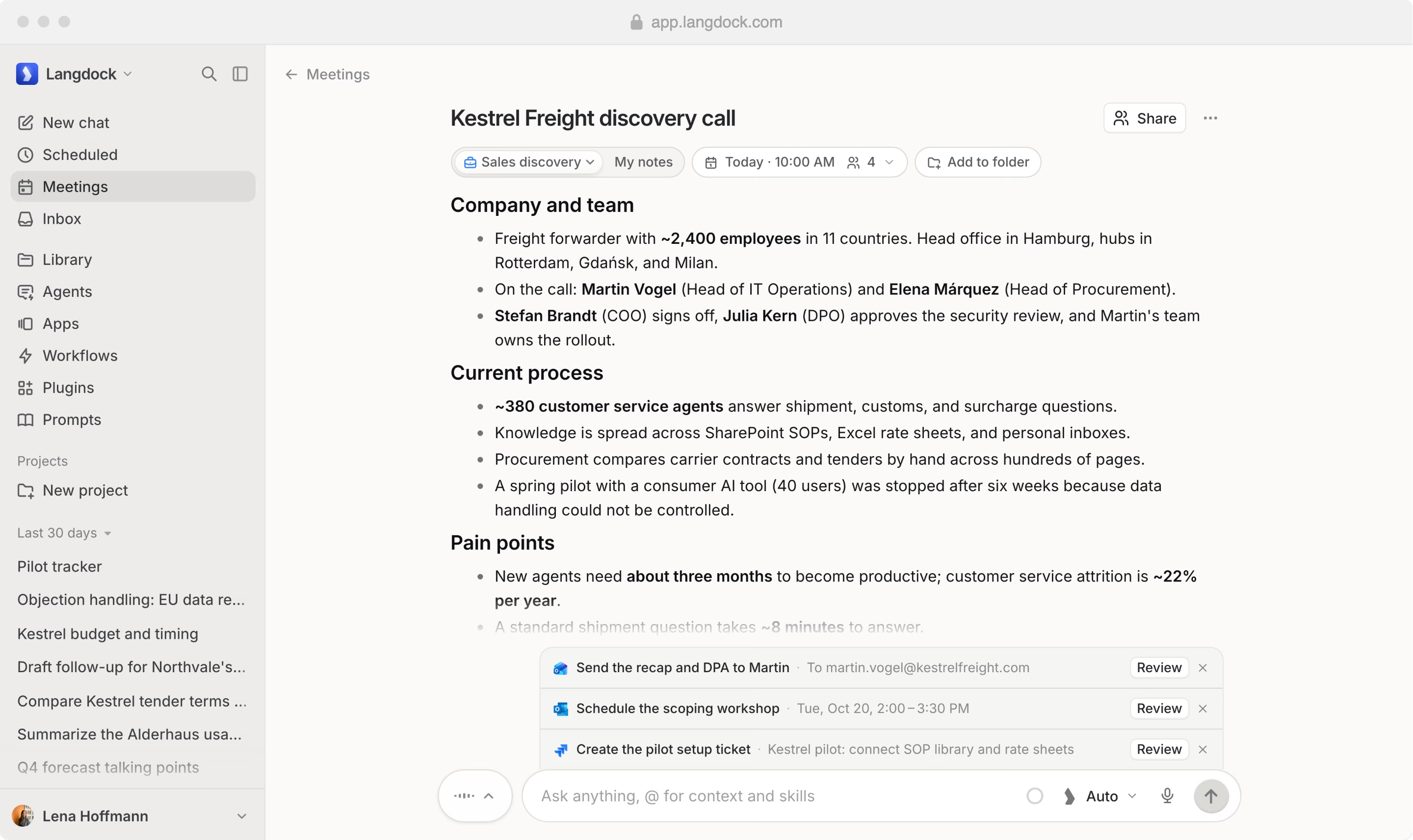
Transcribe any call without a bot. Get notes in your format and follow-ups ready to send.















Meetings that move work forward.
From the first word to the follow-up.
Transcribe without a bot
The desktop app transcribes calls in all common tools, like Teams, Zoom and Google Meet.

Notes in your format
Templates turn every transcript into the summary your team needs.
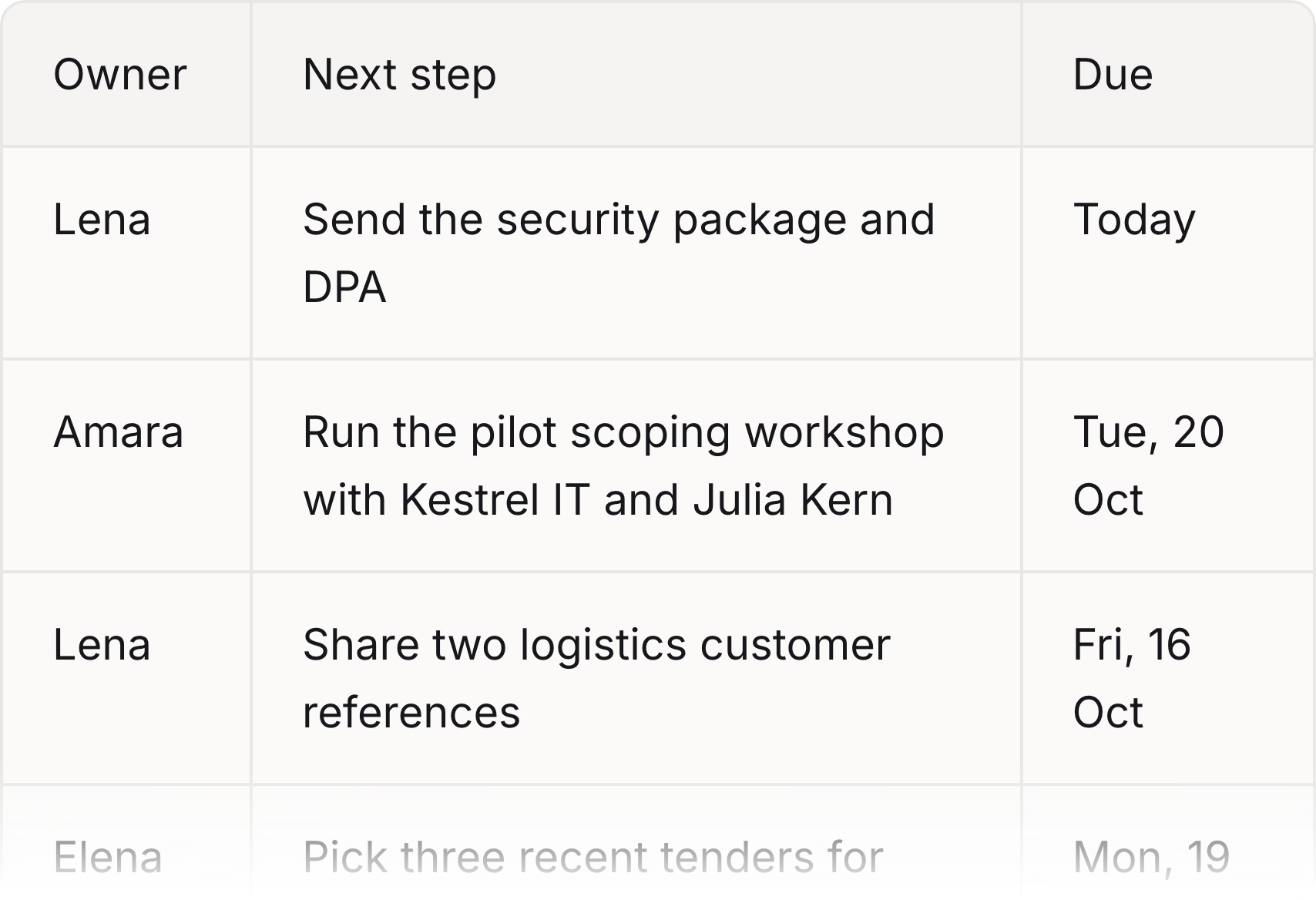
Follow-ups, drafted
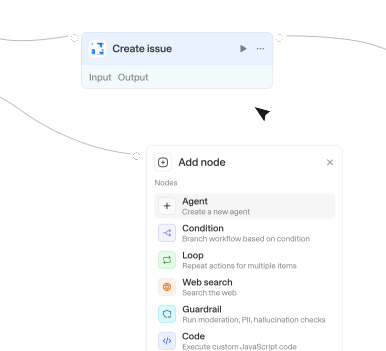
Emails, invites and tickets prepared from what was agreed.
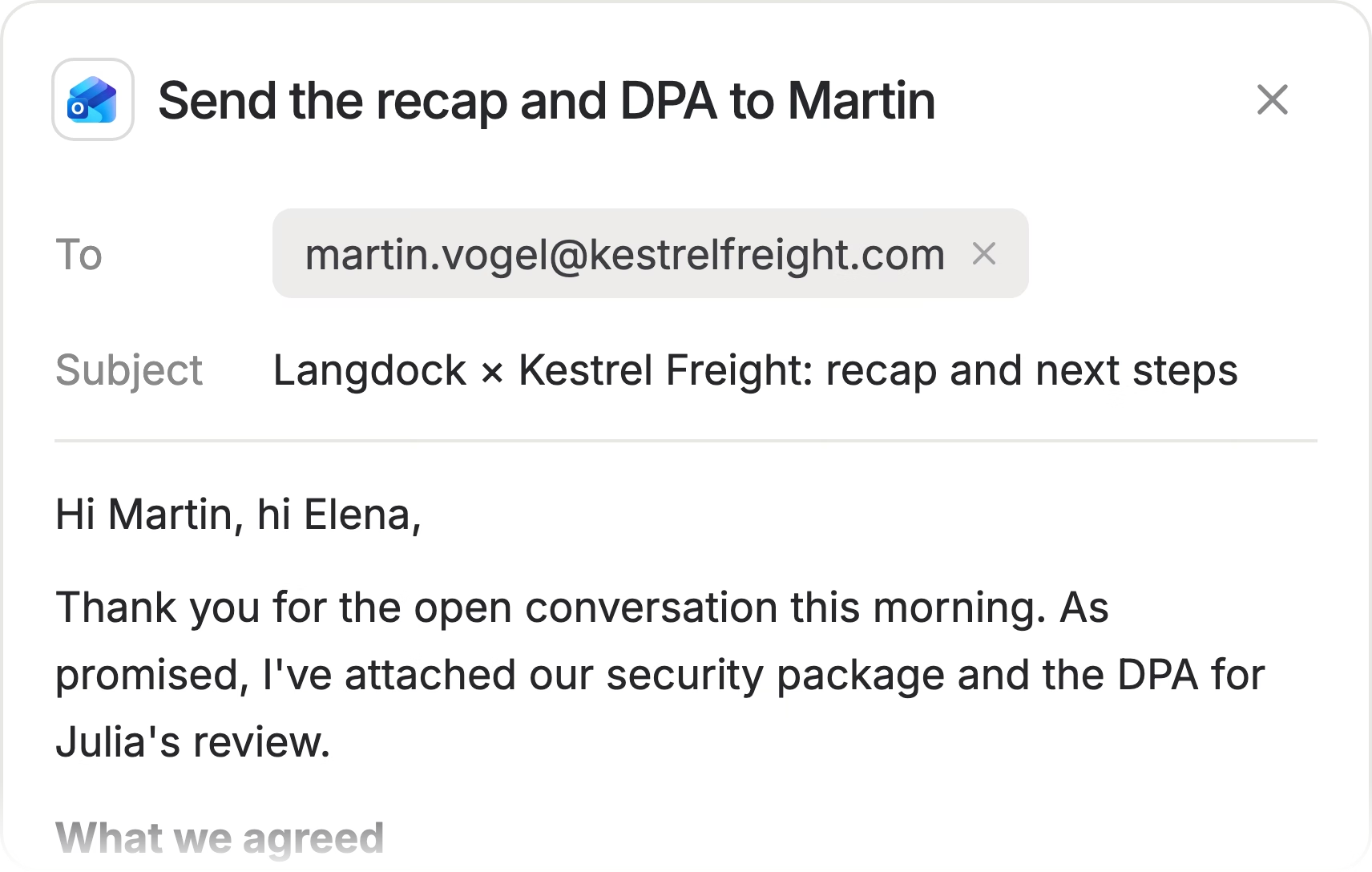
Before and after every call.
Know what's next, keep every word.
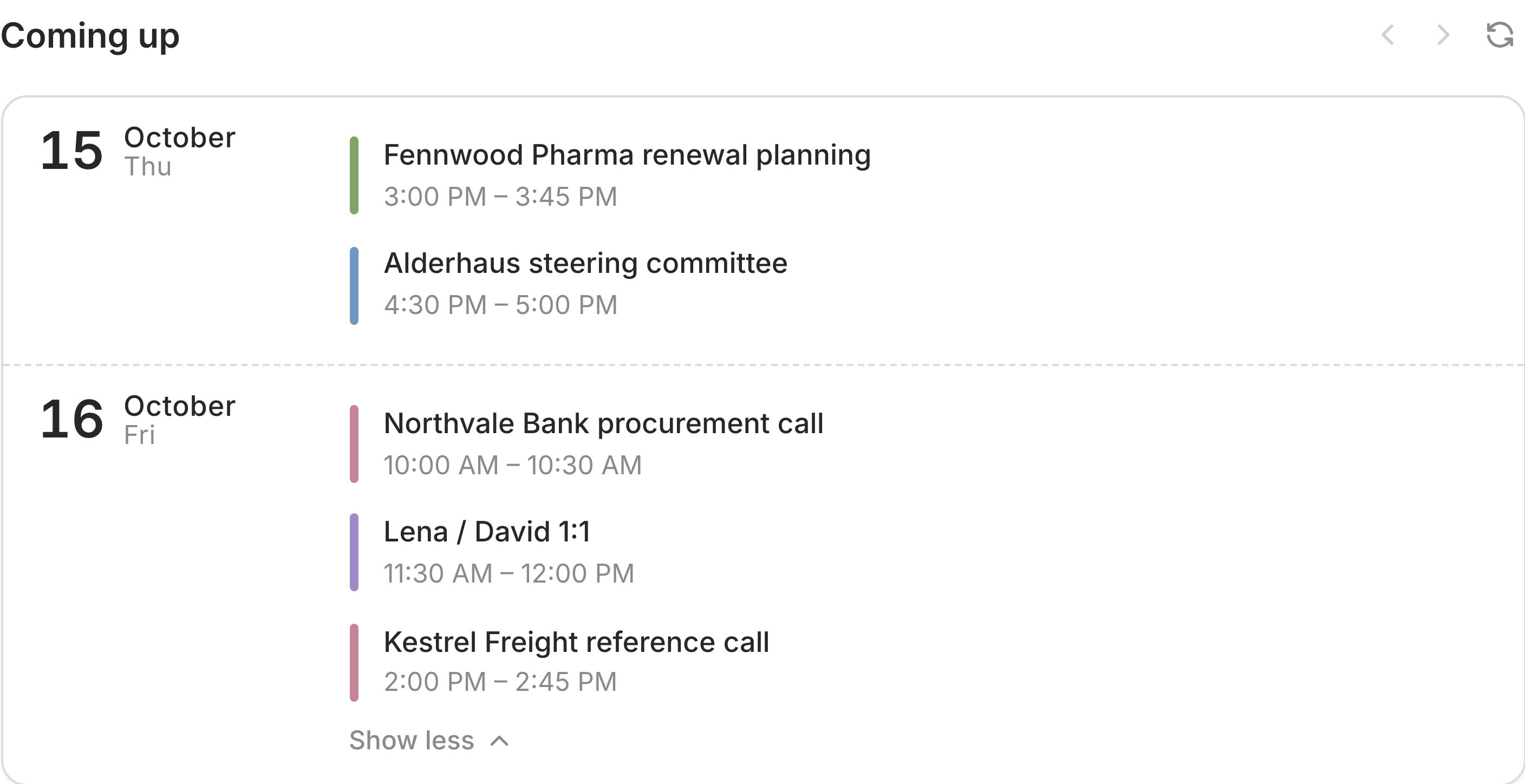
Your upcoming meetings
Upcoming meetings with attendees and companies, straight from your calendar.
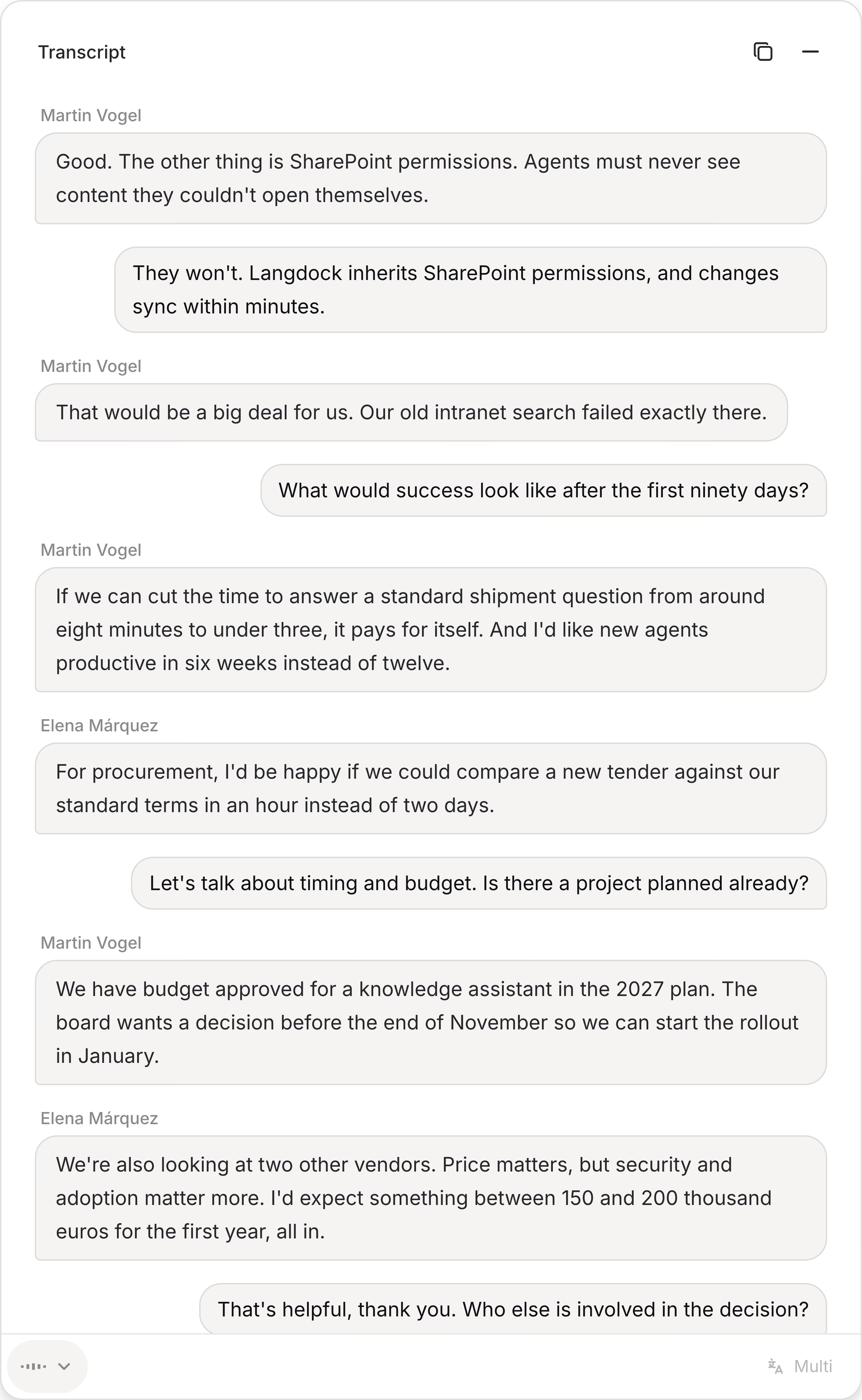
Transcript with speaker detection
Every word with the right name. Corrections are remembered for the next meeting.
Best with the desktop app.
So every meeting gets transcribed.
Notices every meeting
When a call starts in Teams, Zoom, Google Meet, Webex or another common meeting tool, Langdock offers to take notes, and stops when the call ends. Your next meeting waits in the menu bar.
Questions & answers
The Langdock desktop app for Mac and Windows transcribes calls in all common meeting tools, like Microsoft Teams, Zoom, Google Meet and Slack huddles, without a bot joining the call. In the browser, Langdock transcribes from your microphone, which works well for meetings in the room.
Only you, until you share them. You can share a meeting with its attendees or with colleagues as viewer or editor, or create a public link to the summary that expires.
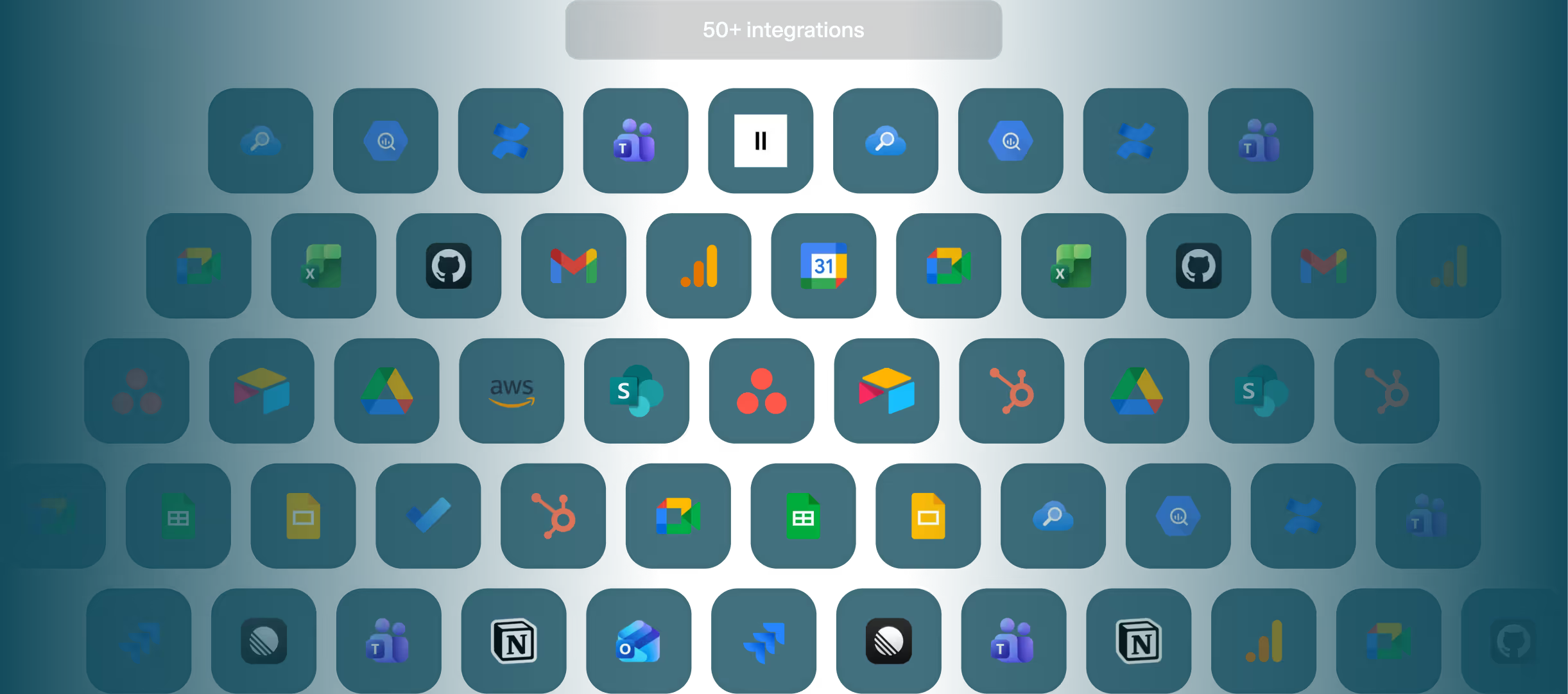
Follow-ups run through your Langdock integrations, for example Outlook, Google Calendar or Jira. Nothing is sent until you review and run it.
Yes. Chat with a single meeting, with all meetings with a company or a person, or with your whole week, and every answer points to the transcript.
Langdock Core includes 10 transcribed meetings per member each month. Langdock Work includes unlimited transcription, with fair use of up to 60 hours per member each week.