Langdock Desktop
Use Langdock natively
on Windows and macOS.
Questions & answers
Does the Langdock desktop app include all web features?
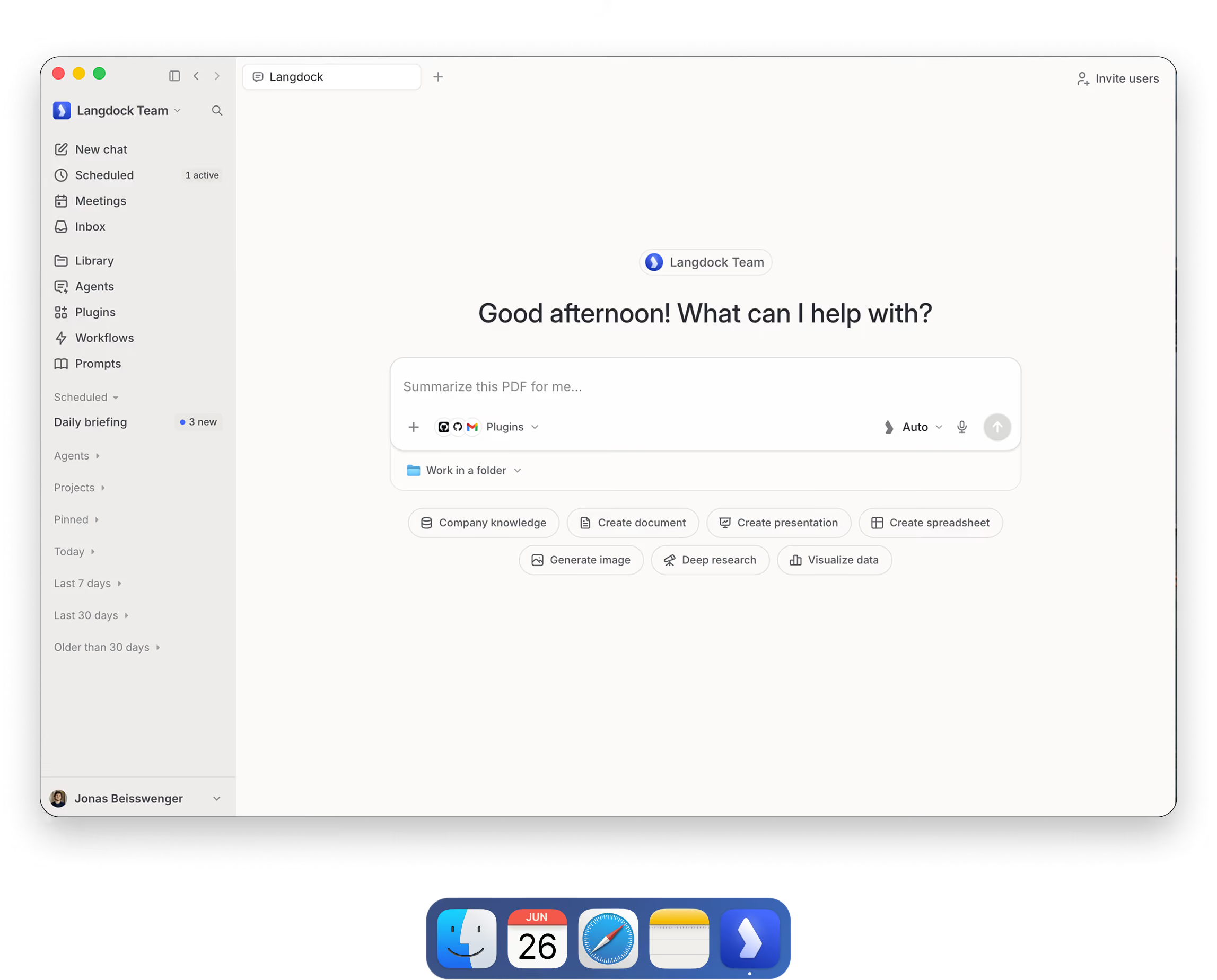
Yes. The Langdock desktop app brings the complete web experience to your desktop, including Chat, Agents, Workflows, workspace settings, integrations, and all other features available in the web version.
Which AI models can I use in the desktop app?
You can use the same AI models as in the web version of Langdock. The models available to you are managed by your workspace administrators and depend on your organisation’s configuration.
Can I use my existing integrations and connected tools?
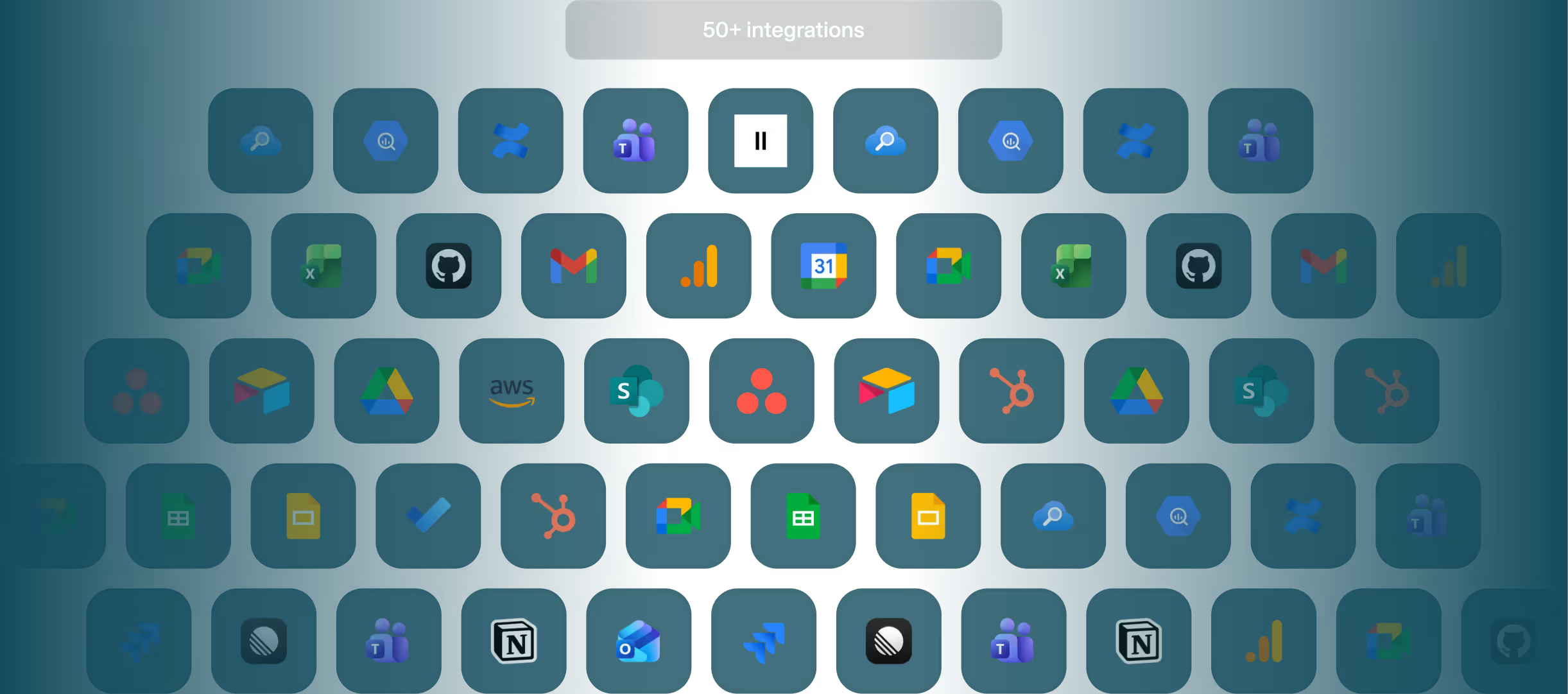
Absolutely. The desktop app supports the same integrations and connected tools as the web version, so you can access information, work with documents, and trigger actions directly through Langdock.
Which operating systems are supported?
The Langdock desktop app is available as a native app for macOS and Windows. It gives you the full Langdock experience in a dedicated desktop application, without opening your browser first.