Langdock Apps
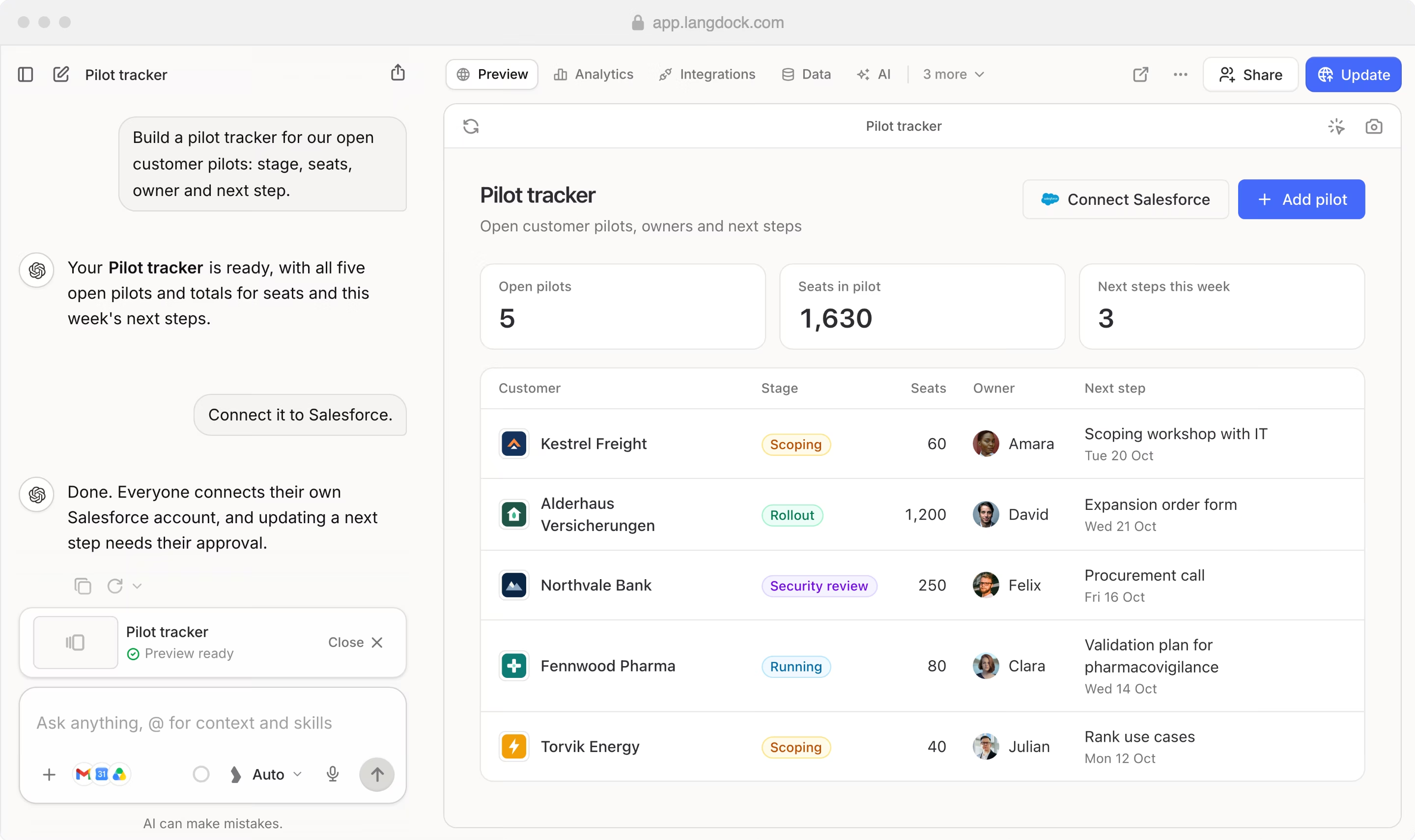
Describe the tool your team needs. Langdock builds it, and colleagues use it with their own accounts.















From idea to internal tool.
In one conversation.
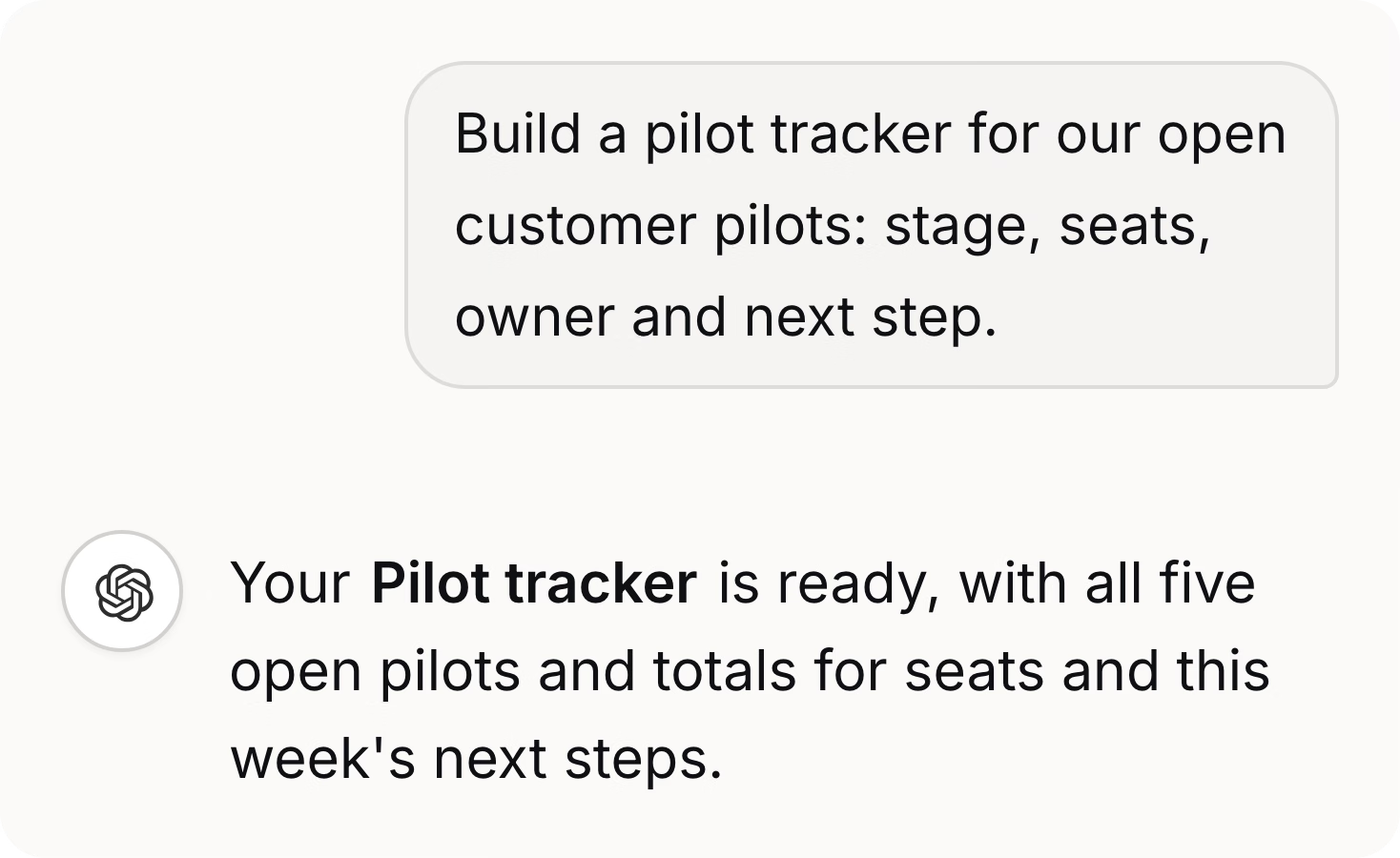
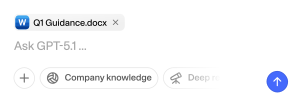
Describe it
Chat builds the interface and, if needed, saved data and scheduled jobs.
Publish it
Preview every change, then make it live for your team.
Share it safely
Colleagues open it with their Langdock account, no extra login. Each connects their own tools.
What teams build with Apps.
Three example apps.
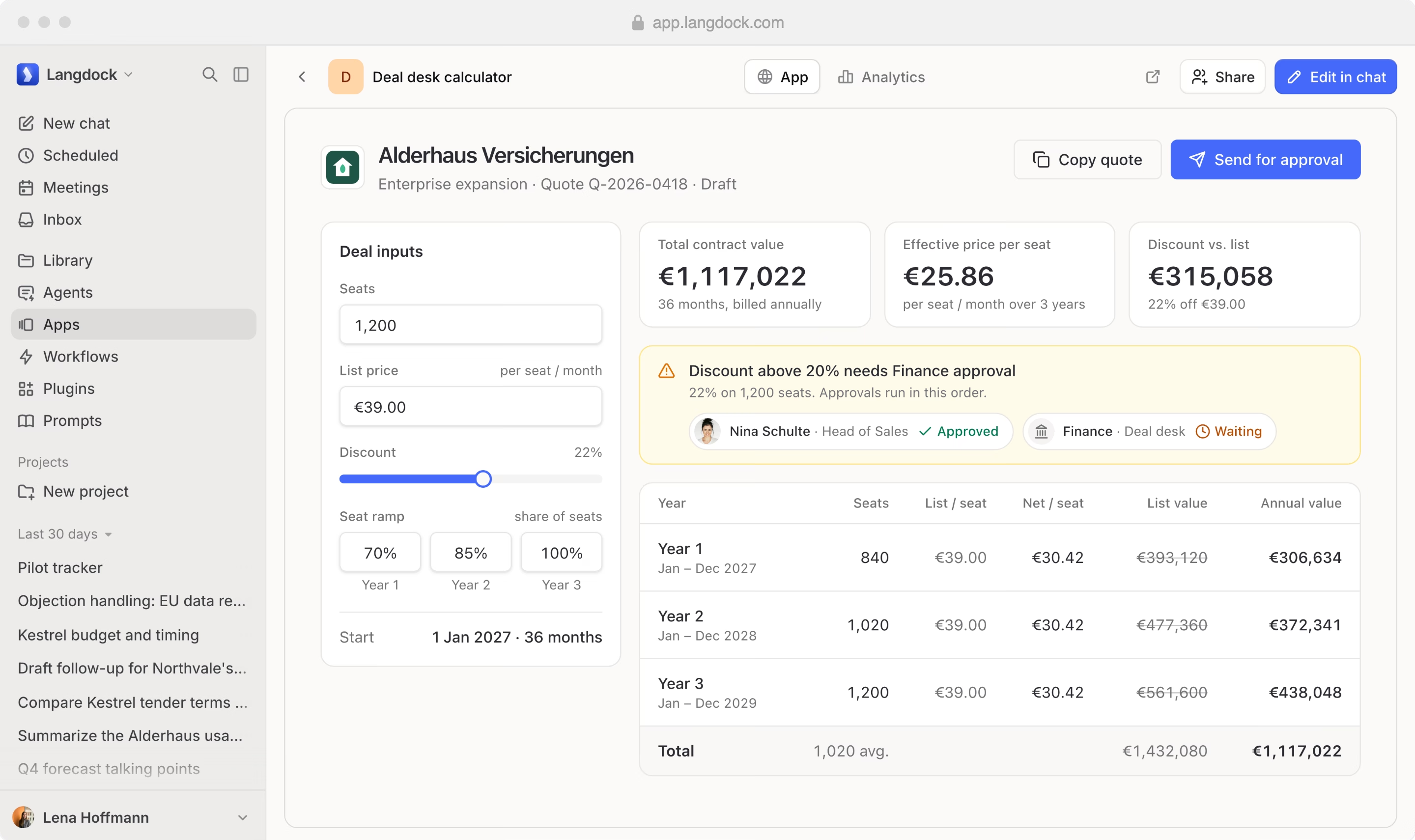
Deal desk for Sales
Price multi-year deals in minutes, with Finance approval built in.
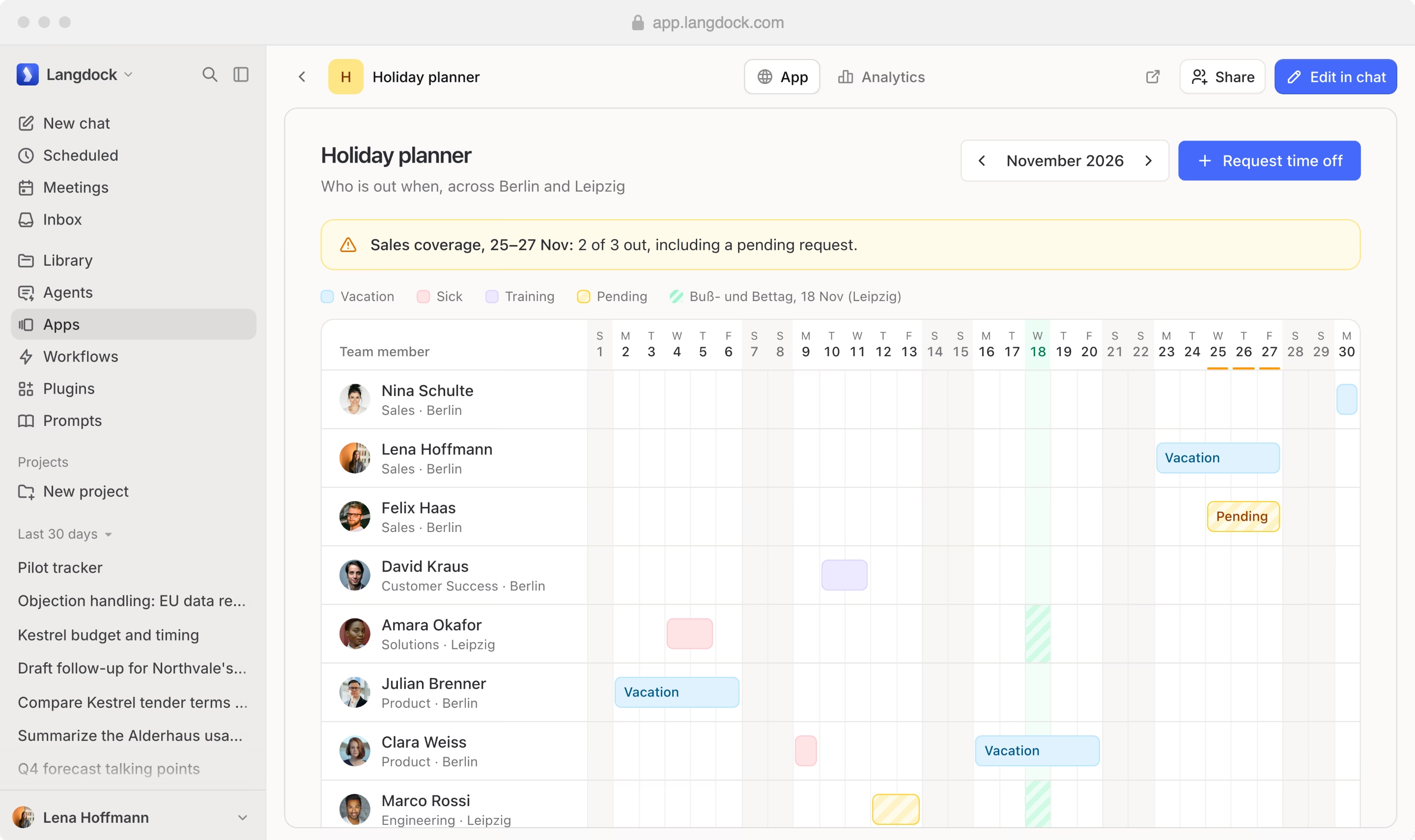
Holiday planner for People teams
See who is out and plan coverage early.
Health board for Customer Success
Spot at-risk accounts well before renewal.
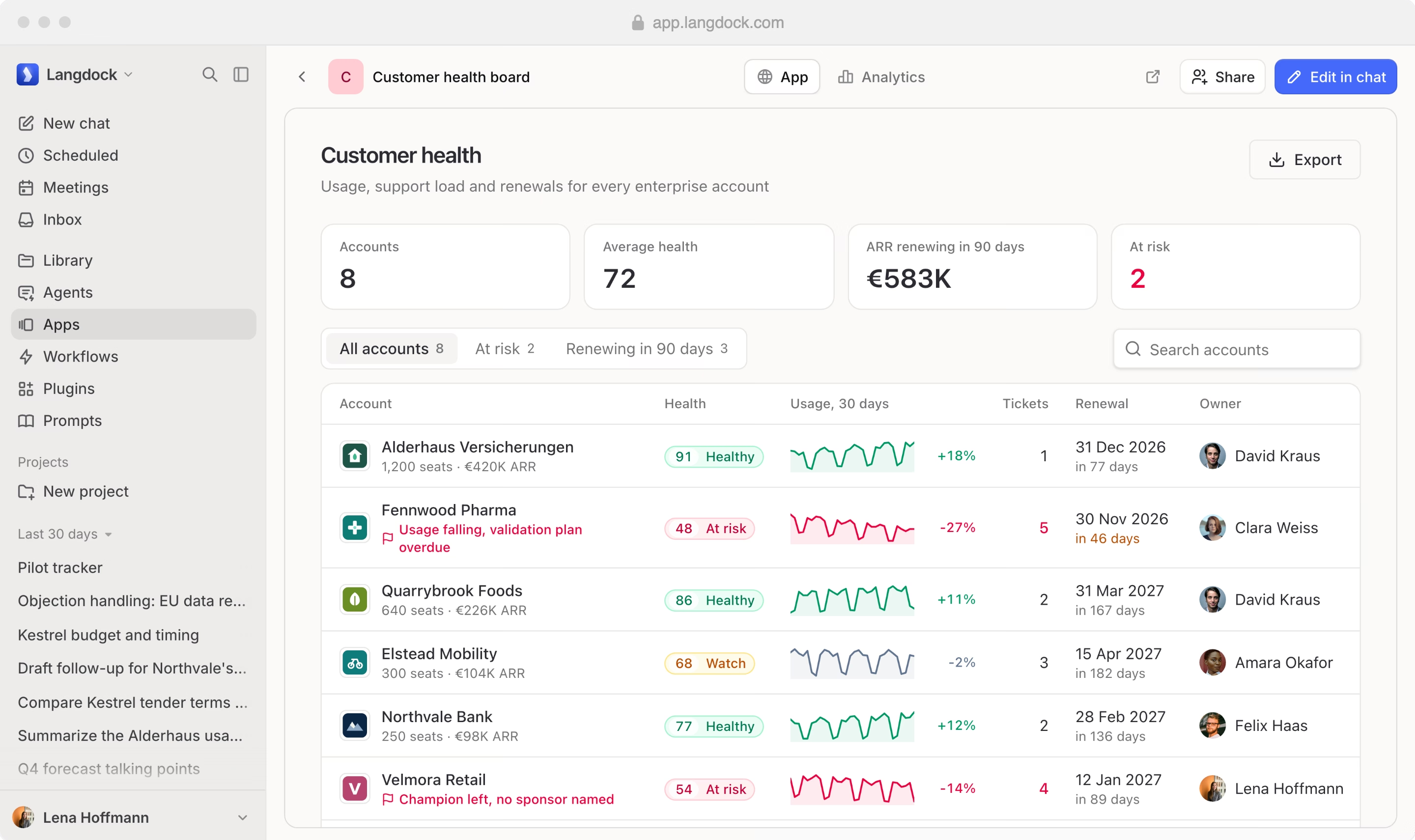
From a sentence to a working tool.
No code and no tickets.
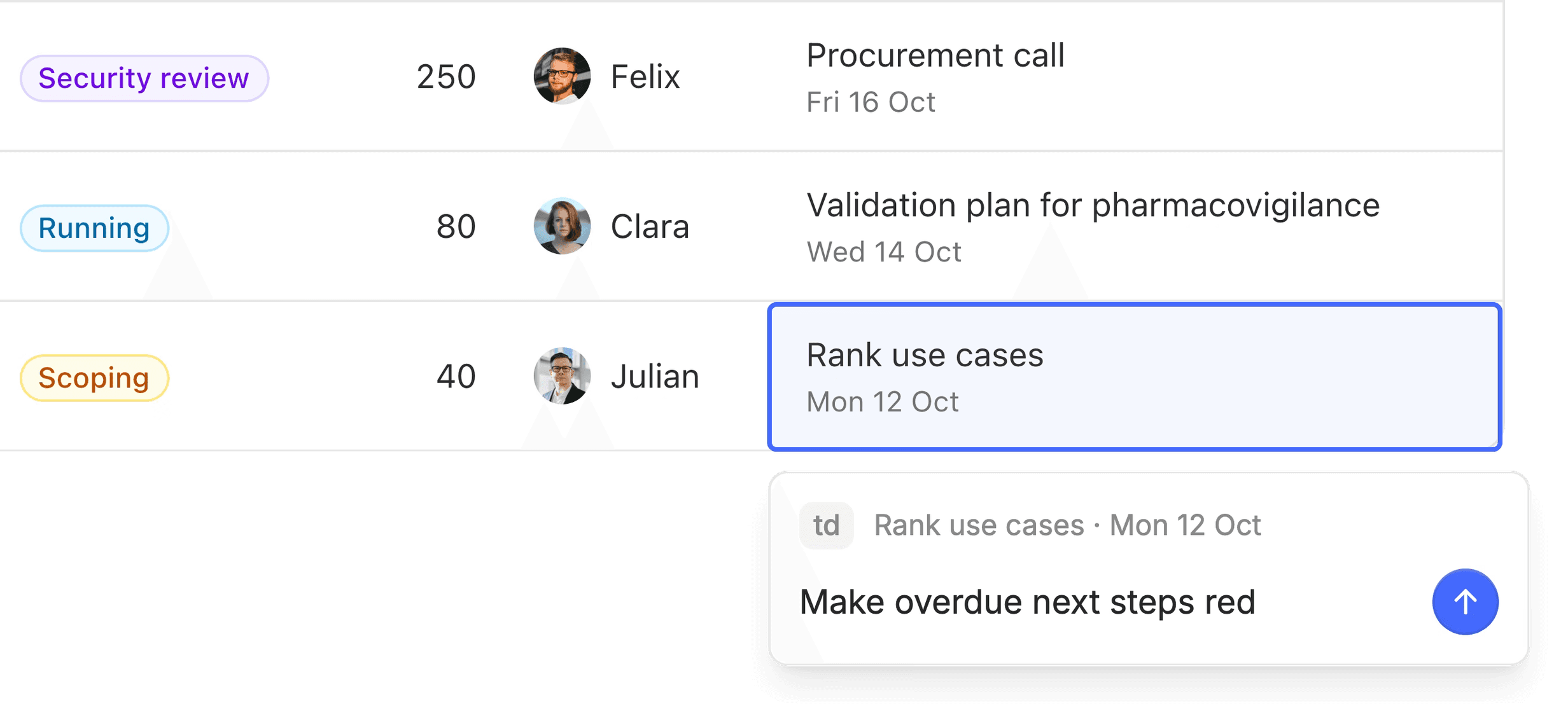
Point and change
Select anything in the preview and say what should change.
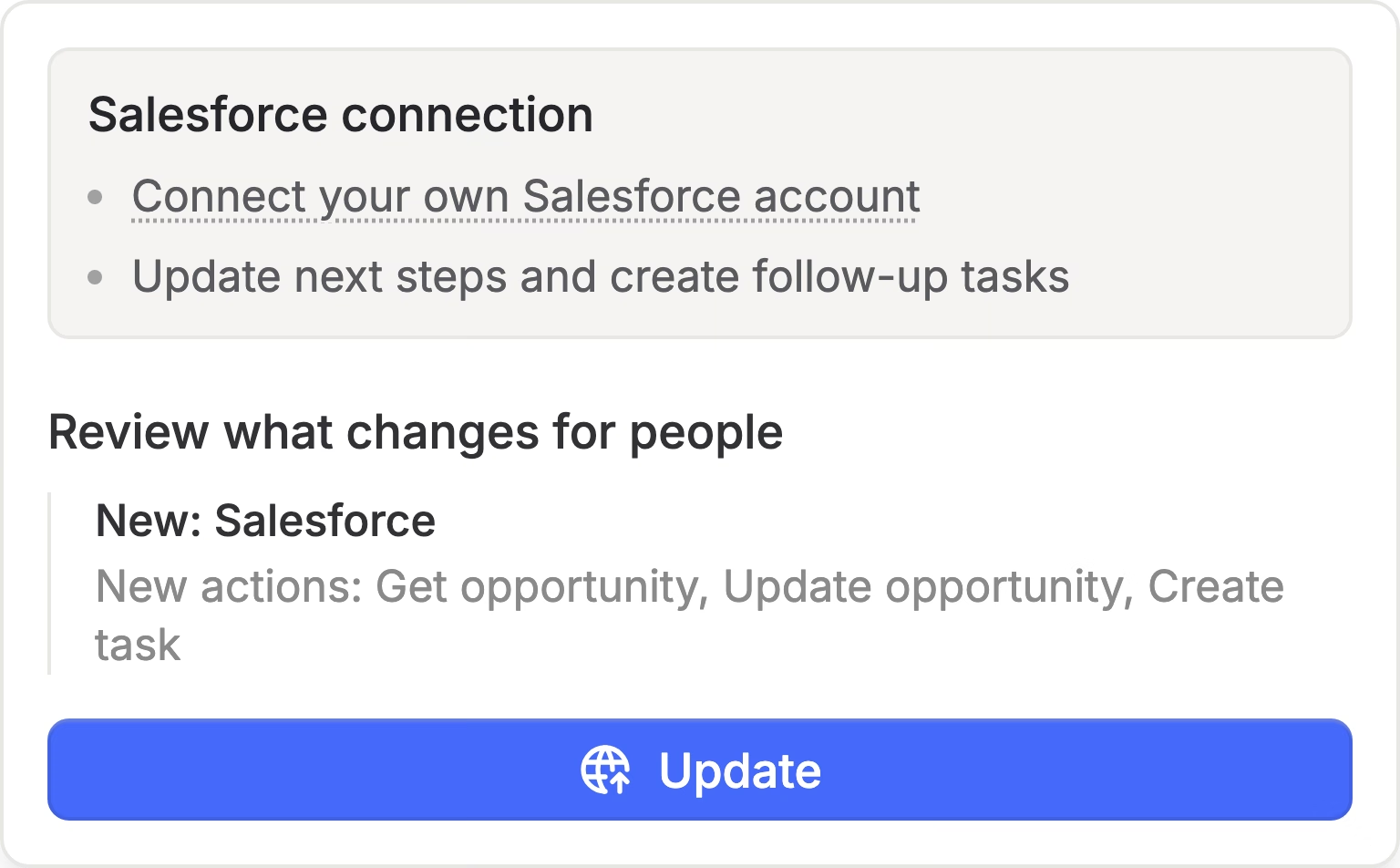
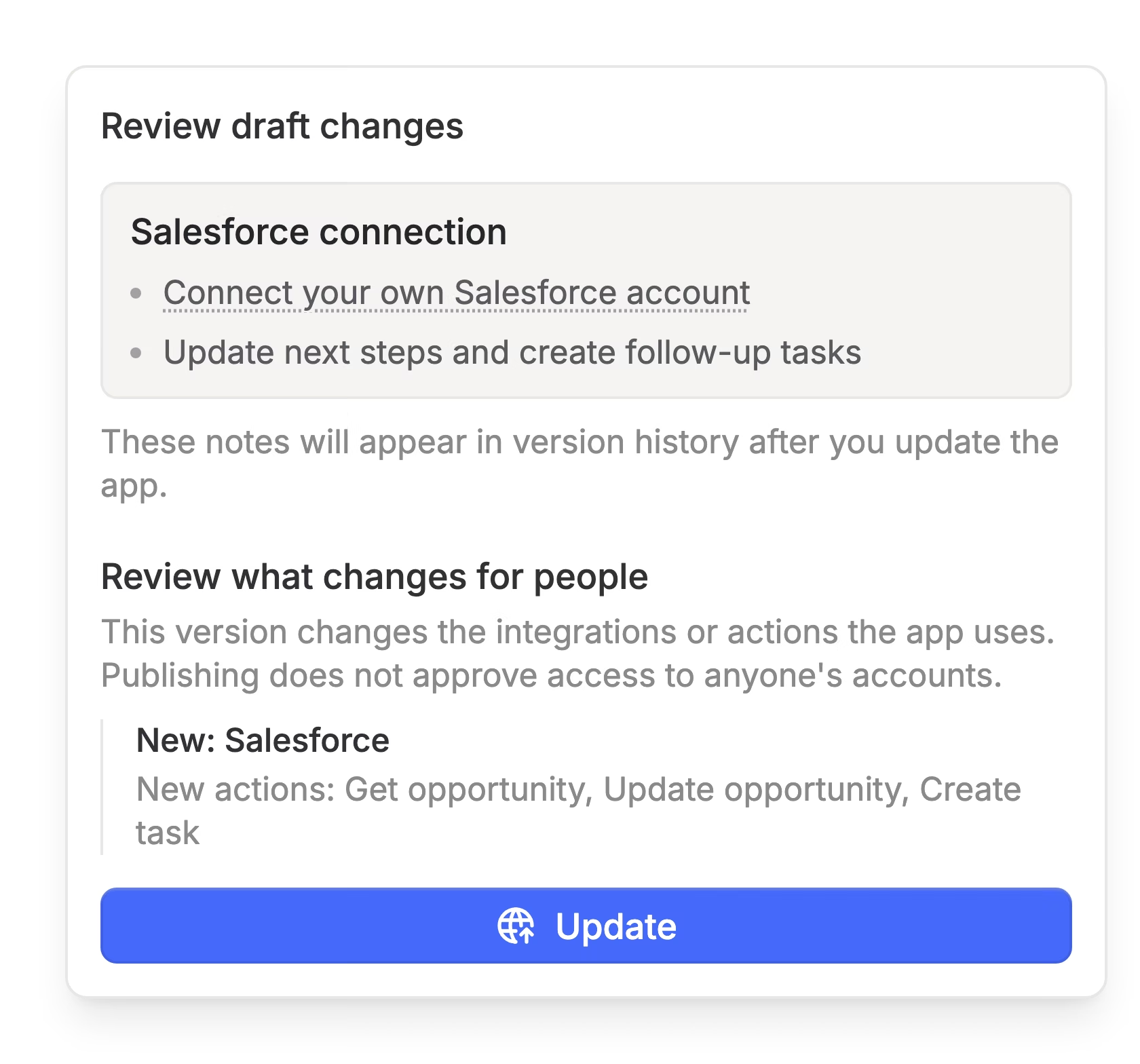
Publish when ready
See what changes for people before an update goes live.
Built for real use.
Data, versions and usage for every app.
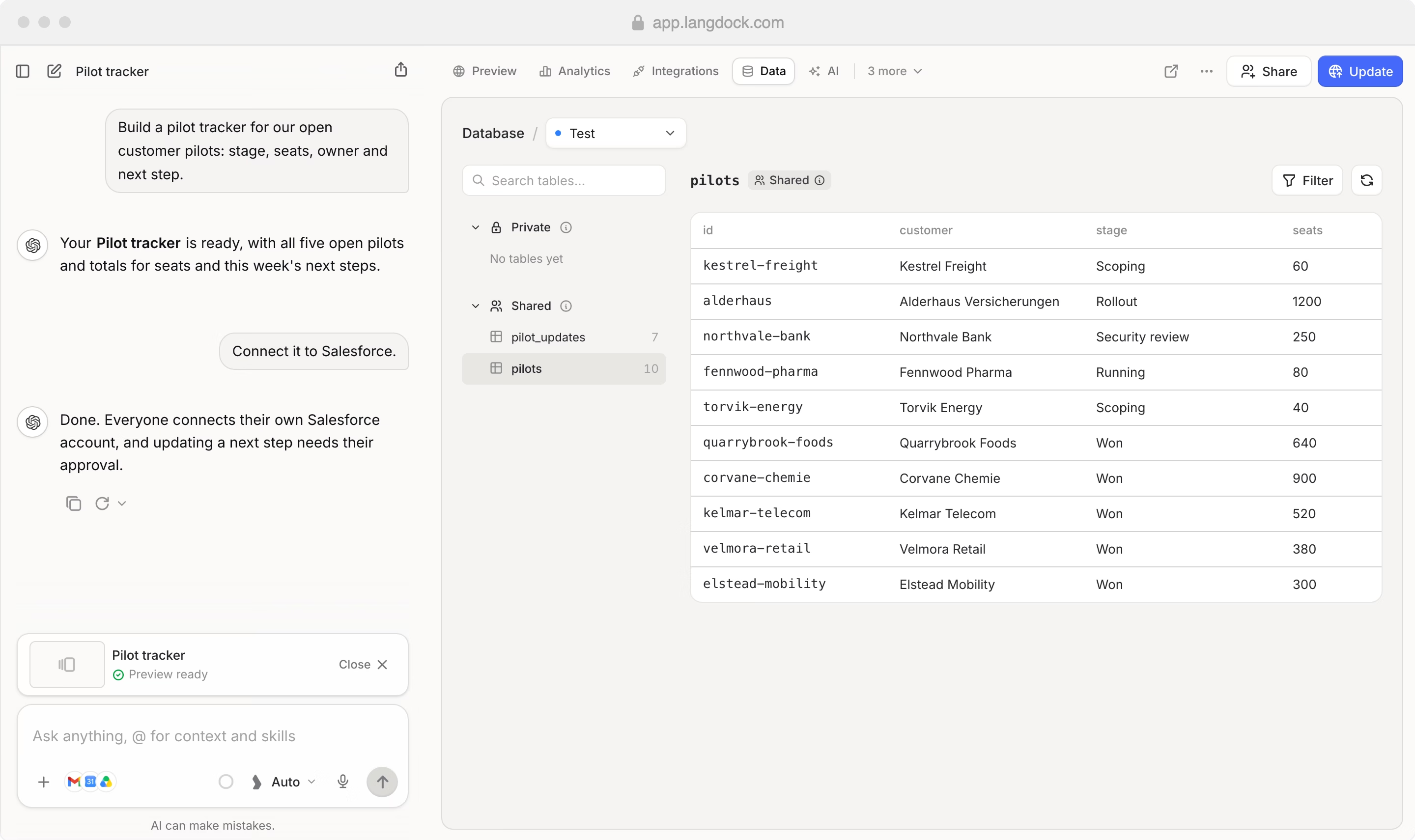
A database built in
Each app keeps its data in private and shared tables you can browse and filter.
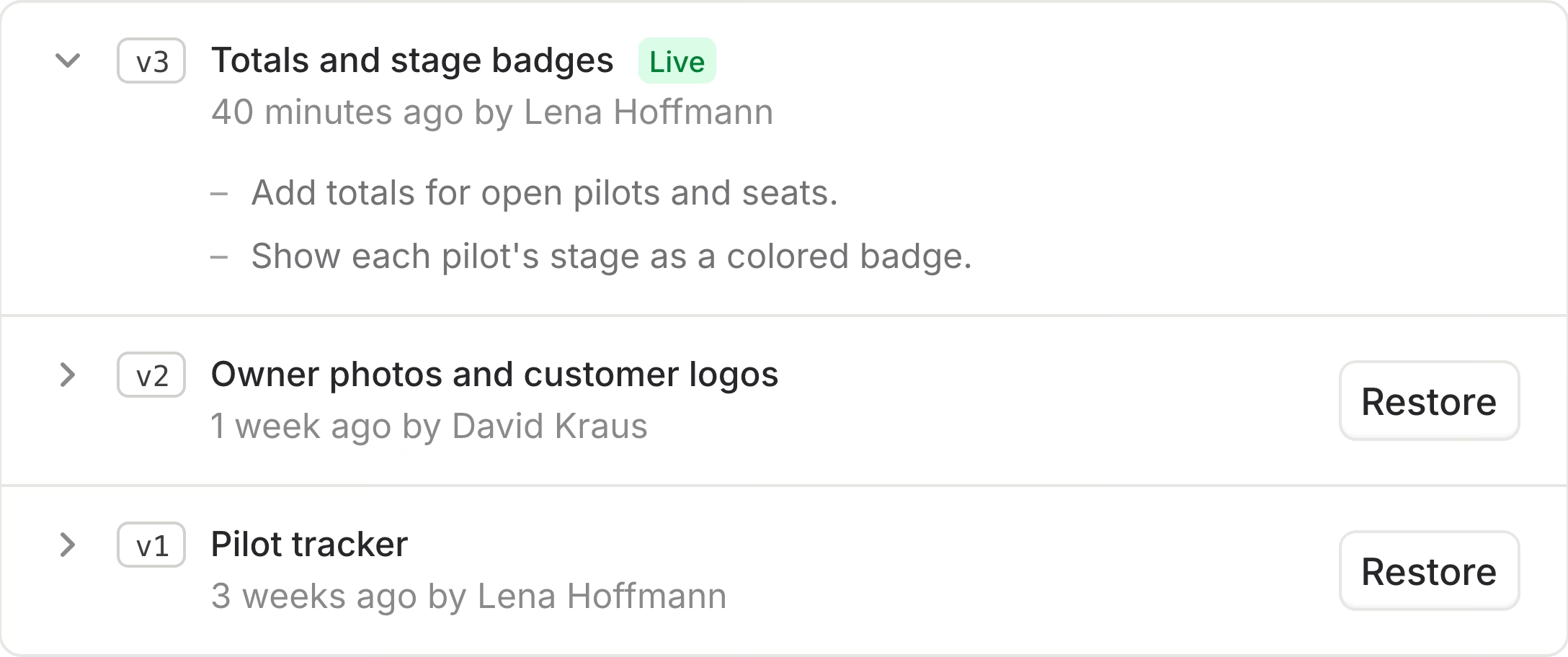
Every version kept
See what changed in each version and restore an earlier one in one click.
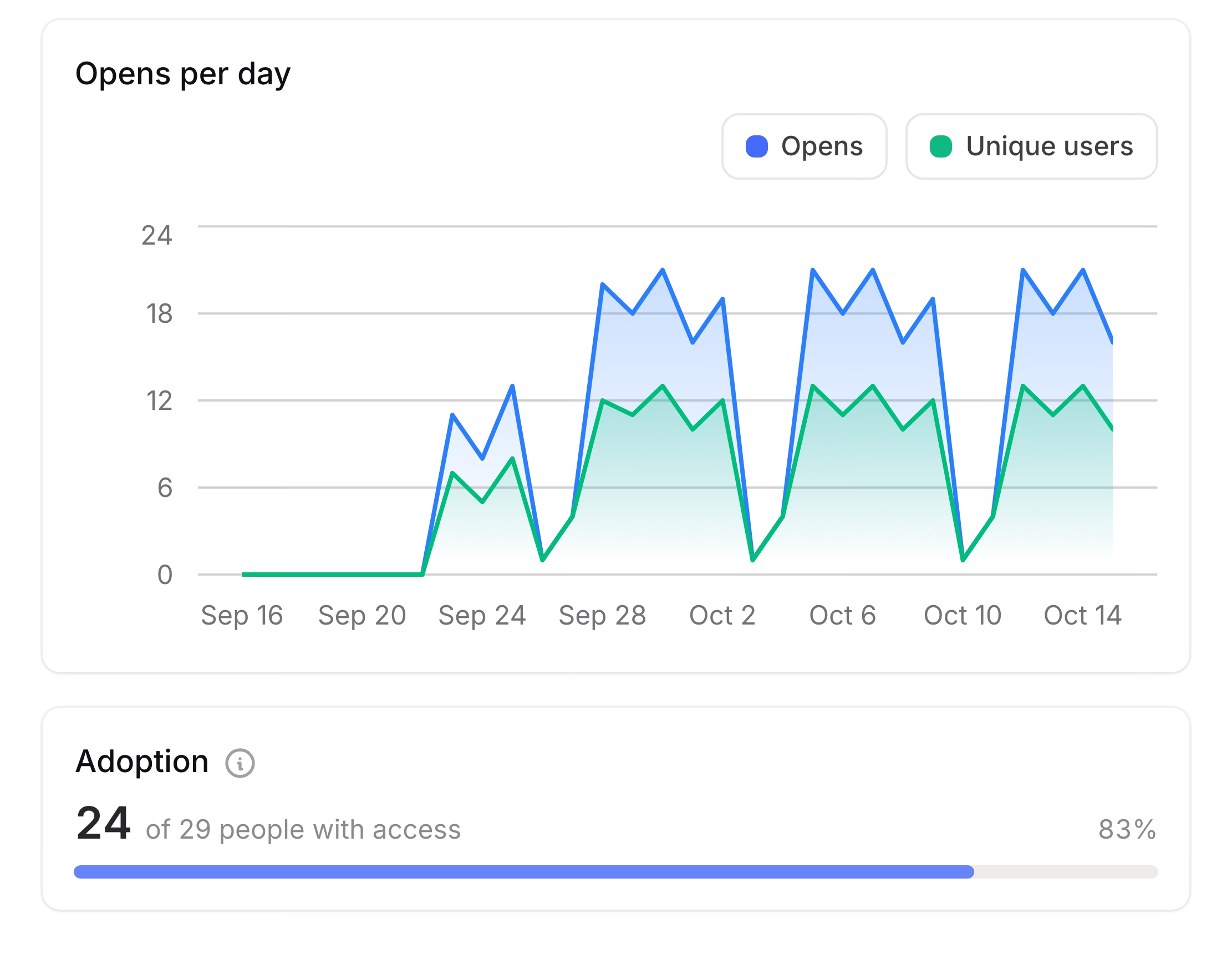
See who uses it
Opens, active colleagues and adoption for every app you share.
Safe by design.
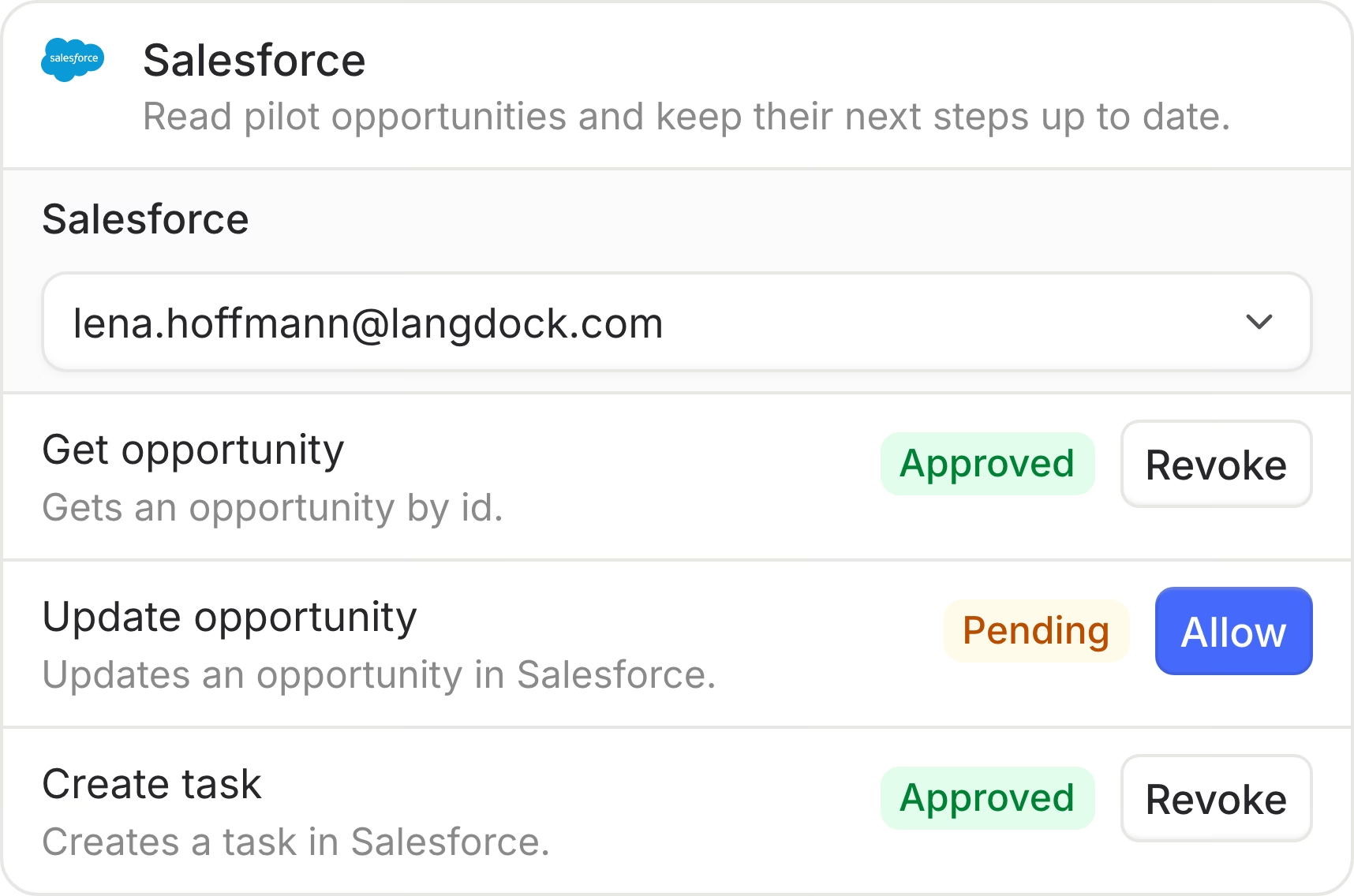
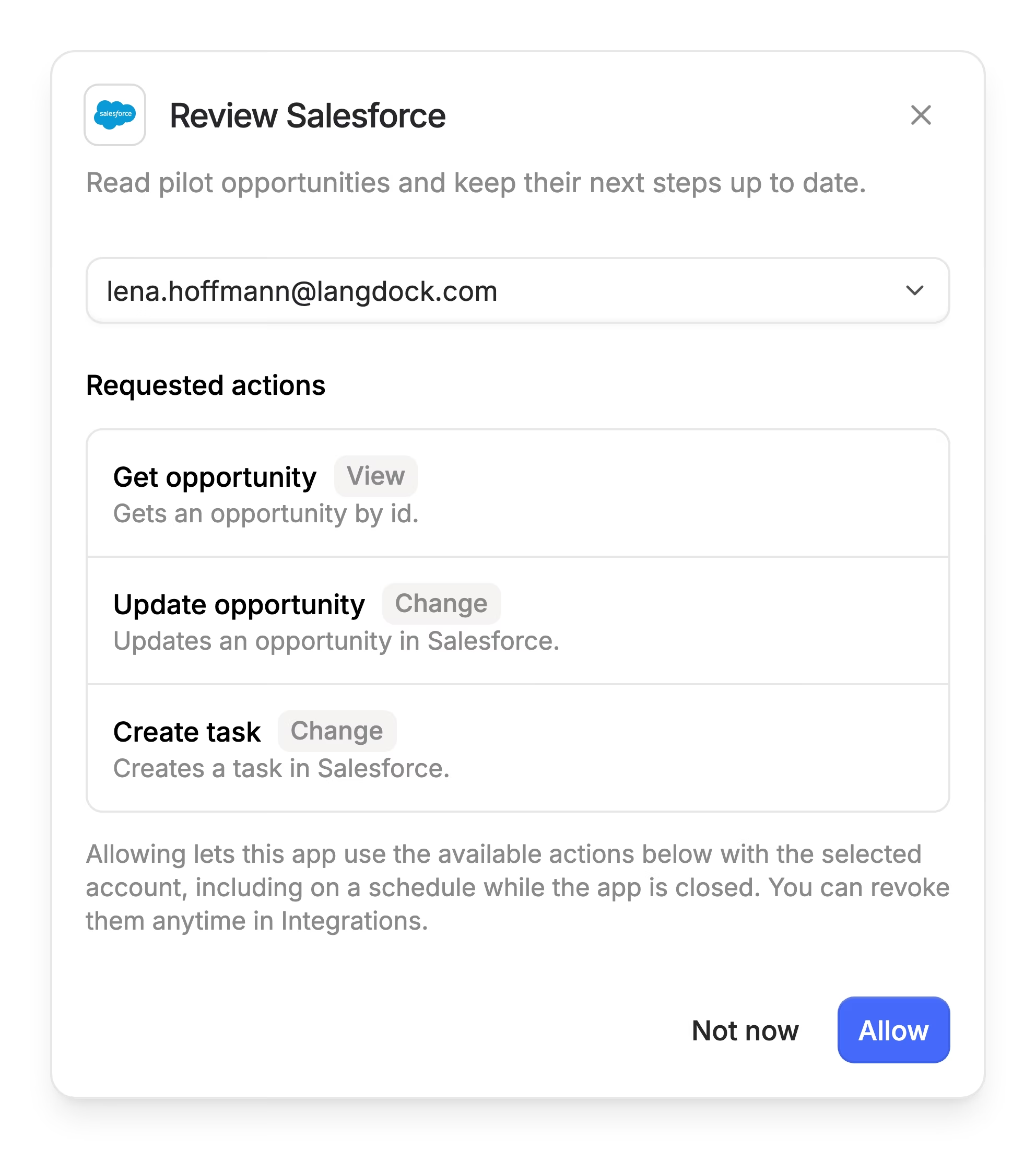
Every action runs as the person using the app.
Personal permissions
Everyone picks their own account. Changes need their explicit approval.
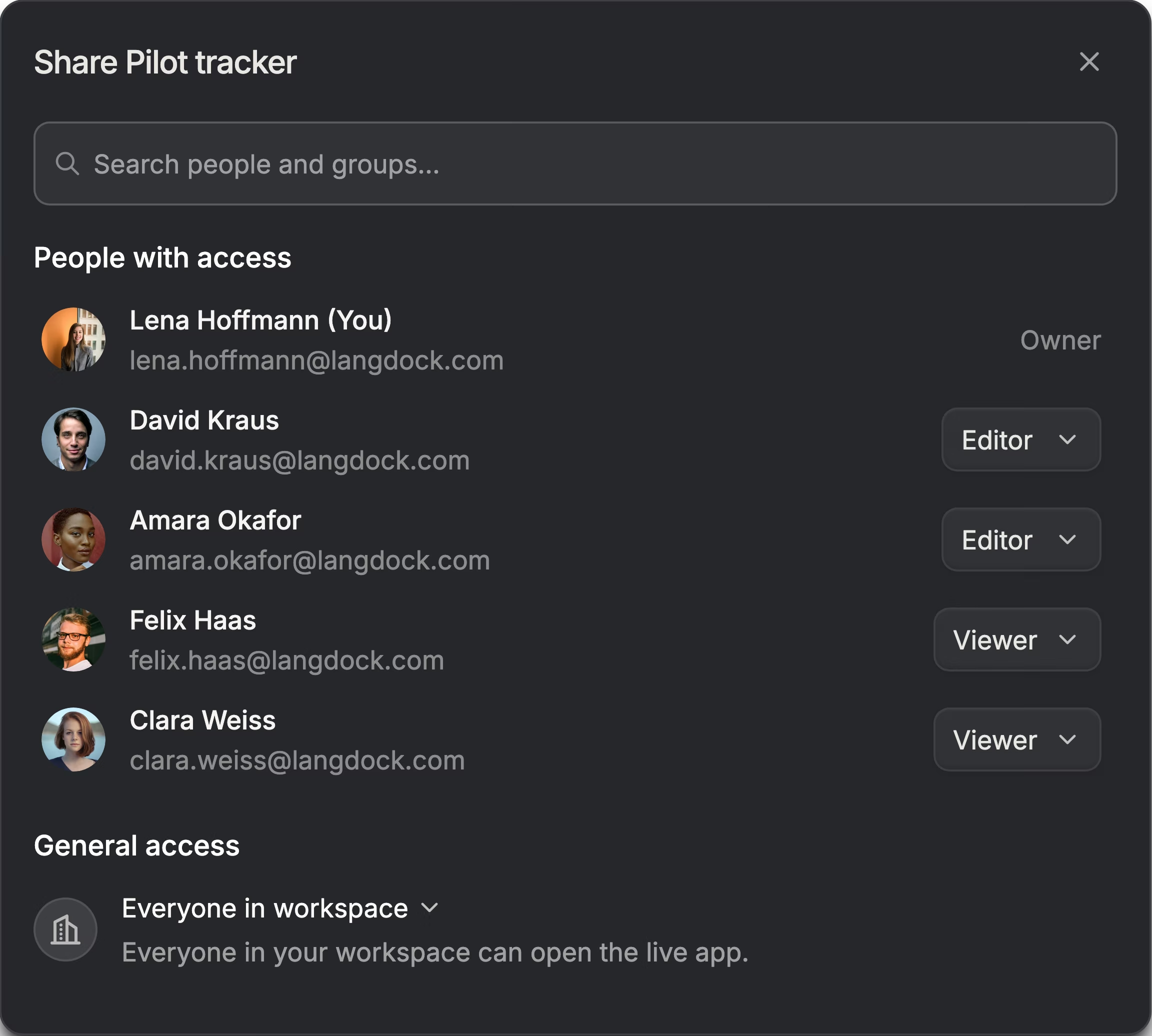
Share with your team
Viewers use the live app, editors can change it.
Questions & answers
No. You describe what the app should do in chat and refine it the same way. People who want to can also look at the code.
Apps can save data and run scheduled jobs inside Langdock. Owners and editors can see that data in the app's Data tab.
Every integration call runs as the person using the app, with an account they chose. Reading data is allowed right away; changing or deleting data needs their approval first.
With Langdock Core, you can share each app with up to 5 people. Langdock Work lets you share with anyone, any group or the whole workspace.
Yes. Start from a ready-made app in the template gallery and customize it in chat.
 Martin Vogel
 Lena Hoffmann