Memory
Memory offers deeper personal customization of the model responses, by saving information from past interactions in the application.
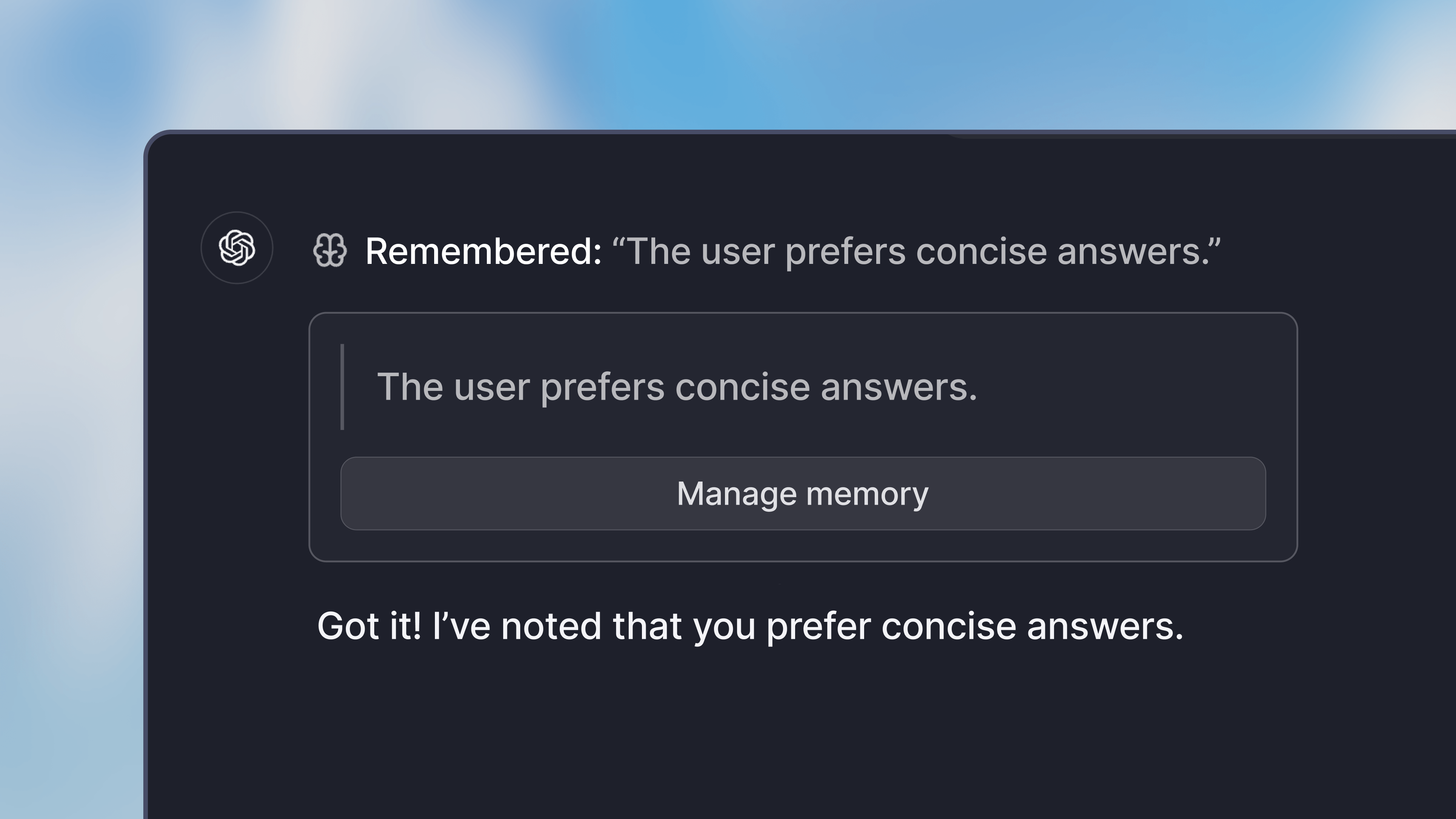
When using memory, you can tell the model to remember certain information about you, your work or any preferences you have. It will then save the information in the application. For example, you could have it:
- Remember certain details about your job
- Share a preference for a specific style of writing
- Remember your name and other personal details
By default, Memory is disabled. To use it, head over to the preferences in your settings. There you can enable chat memory in the capabilities section.
All memories are stored in your account, and are available to you in all your chats (not assistant chats). They are not accessible by others in your workspace.
- OpenAI o3 mini: We added support for the new OpenAI o3 mini model. Admins can configure it in the settings. We consume the model from Microsoft Azure and it is available as a global deployment.
- Increasing password security requirements: We increased the minimum number of characters a password needs to have. We recommend using a password manager, the magic email link login or login through SSO.
- Langfuse integration: We added a Langfuse integration, which allows technical users to assess the performance of assistants.
- Prompt variables: We added support for using the same input variable several times in the prompt. You fill out one variable and it gets copied to all occurrences of the same variable.