New Integrations
We launched our new integrations! It’s much easier to integrate other software tools into Langdock now to retrieve data and take actions. The update consists of three main parts:
- 20+ native integrations are now available in Langdock
- An easier way to build integrations for your own tools
- Improvements to existing integrations and knowledge folders
New integrations and actions
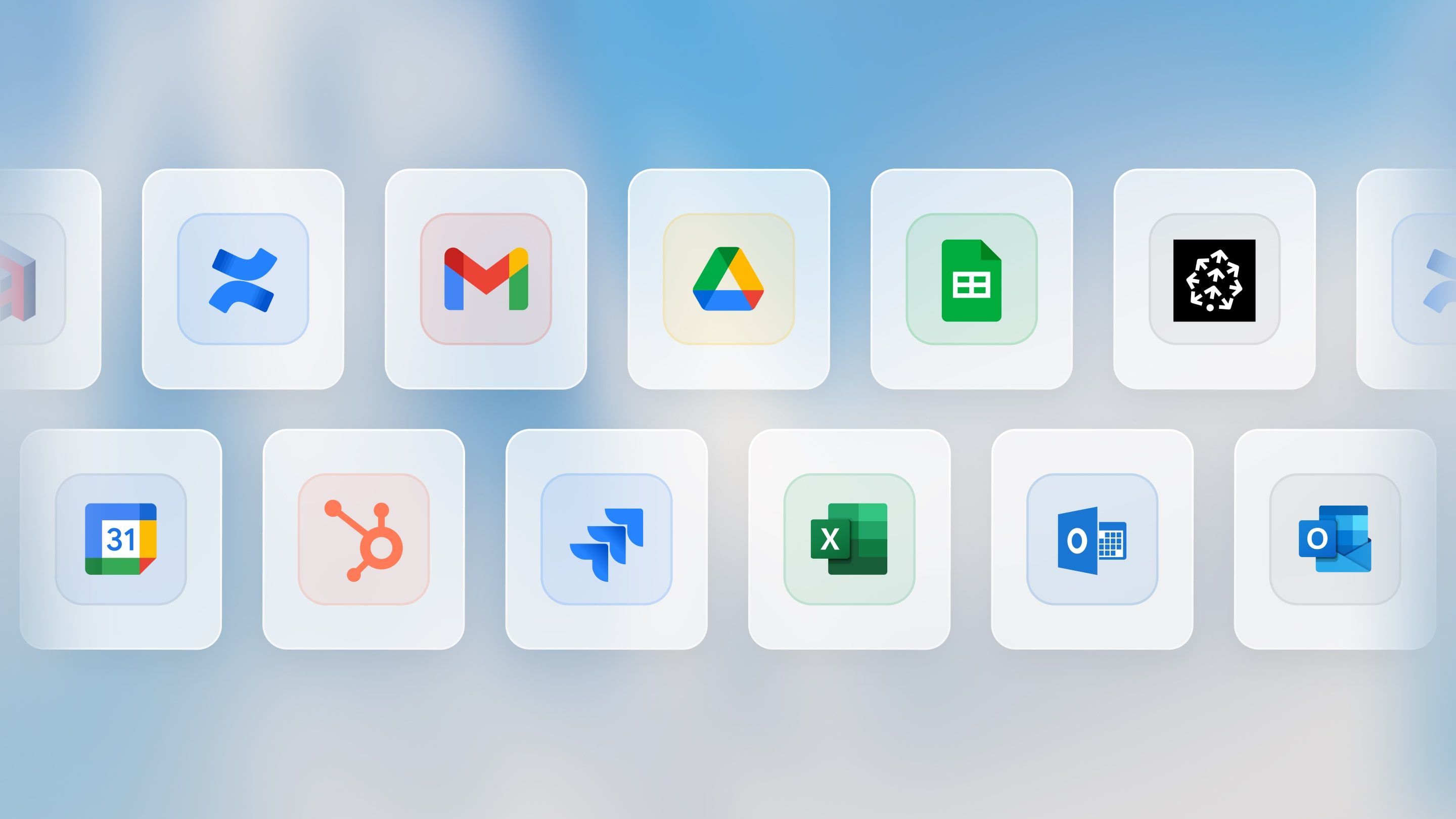
We made integrating external tools into your assistants easier and pre-built many new integrations for the tools our customers use. For example, you can now use the following integrations: Jira, HubSpot, Google Sheets, Excel, Outlook, Google Calendar, and Google Mail.
You can now easily add actions that your assistants can perform. Example actions are:
- Write email drafts and send them to Google Mail or Outlook
- Create or update deals in HubSpot
- Write and update tickets in Jira
- Add an entry to a Google Sheet or an Excel Sheet
- Send a message in a Microsoft Teams chat
- And many more...
Here are more details on how to use them. If you’re missing an integration or specific action, please let us know!
Integrate your own tools
The Langdock team will build integrations to all standard software tools in the coming weeks. If we don’t have an integration (yet), or you want to integrate an internal tool, you can build your own integrations.
We deprecated the previous OpenAPI-schema-based integrations in favor of a simpler integration builder that also allows you to write custom JavaScript to cover all kinds of edge cases. The integrations/actions now live outside of assistants, so you can share and reuse them in multiple assistants. You can follow this guide to set up your own REST API based integrations.
Improvements to existing integrations and knowledge sources
We also improved the interface and experience of existing integrations. Here are the most significant changes:
- When you attach a document from an integration (e.g., SharePoint or Google Drive) as assistant knowledge, we now refresh the content of the document every 24 hours. This ensures that you always work with the latest version of the document in your Langdock assistant. You can also manually refresh a document at any time.
- Knowledge folders can now be shared with users, groups, and the workspace (similar to assistants). The knowledge folders moved from the account settings into the integrations menu to make them more visible.
- If you already built custom actions in an assistant, they are still available. We marked them as read-only, and they will be deprecated on April 30th. We recommend migrating your existing actions to our new, improved actions. If your action is not available out of the box yet, let us know if you need help migrating it.
- Vector databases were also moved from individual assistants to the integrations menu to make it easier to reuse connections. Assistants with existing vector databases were migrated accordingly to ensure they worked as before.
Additional information for workspace admins:
- By default, all integrations are enabled. You can configure which integrations should be enabled in your workspace here.
- Workspace-wide integrations (Google Drive & Confluence via service accounts) are now deprecated in favor of the new integrations. Please let your users know so they can configure the integrations manually. The functionalities and permissions are covered completely by the new integrations.
- The permissions per user role have changed to reflect the new integration framework: The permissions “Connect Vector Databases” and “Connect Actions” were deprecated, and the new permissions are “Share knowledge folder” and “Create integrations.”
This new integration framework will allow for many more use cases in Langdock, and it’s just the beginning. In the coming weeks, we’ll add many more functionalities to work with all kinds of data in Langdock. Stay tuned!