Plugins
Plugins bring Langdock’s growing collection of integrations, skills, and tools together in one place, making it easier to discover and use the right capabilities in every conversation.
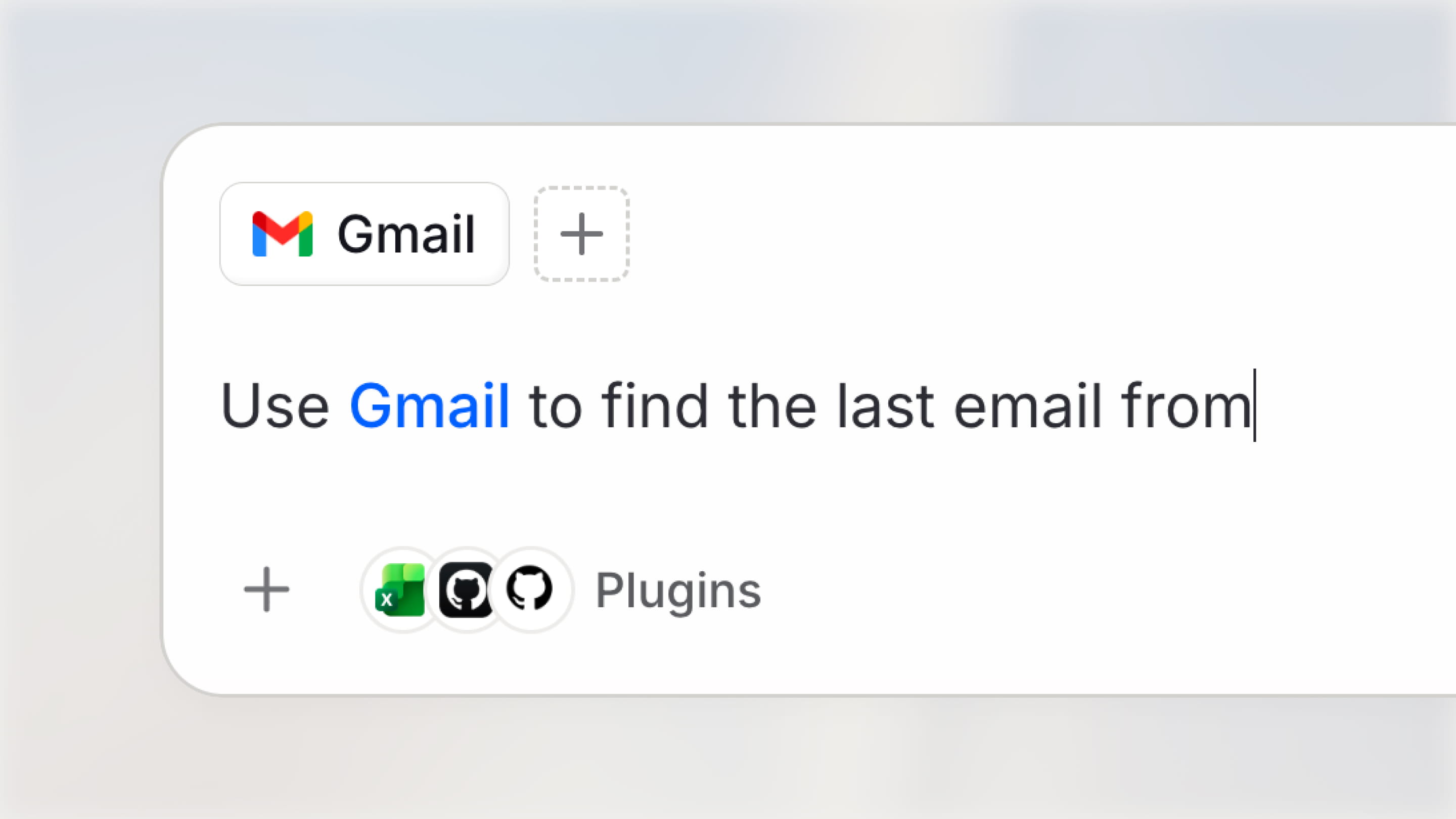
Add a plugin directly from the chat input to give a conversation access to its context and actions. This lets you use integrations, skills, and tools as you work, without leaving the chat to configure them elsewhere.
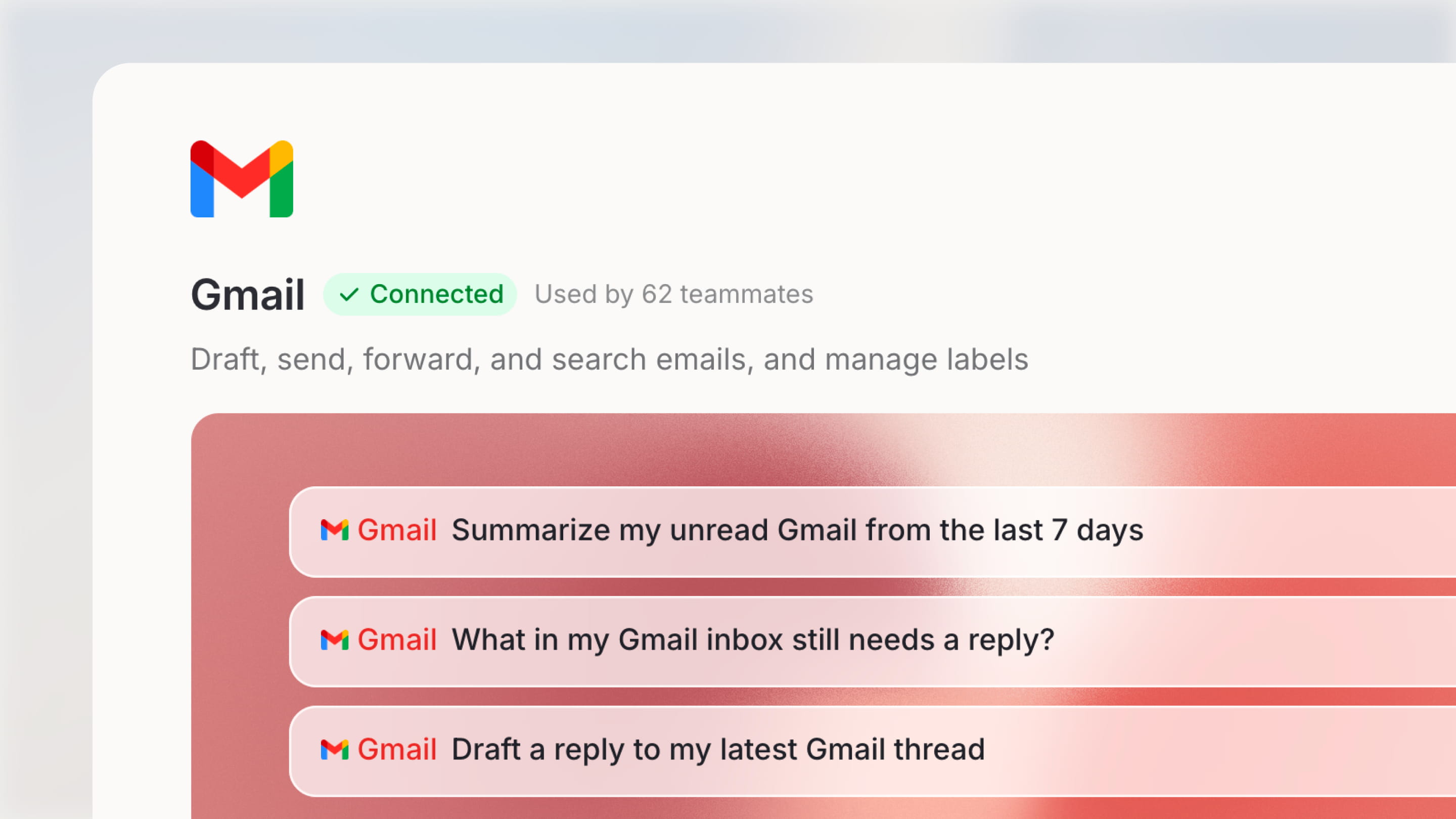
Open Plugins from the sidebar to browse the integrations connected to your workspace and discover available skills. Installed integrations appear first, while categories and workspace popularity make it easier to find what you need. Each integration also includes prompt starters, so you can quickly understand what it can do and put it to work.
A simpler home for skills
Plugins also give skills a simpler home. Browse skills alongside integrations, then enable the ones relevant to your work.
To make that experience more straightforward, skills now have one clear state: enabled or disabled. When a skill is enabled, it is ready to use, so you no longer need to install it before activating it. This makes it easier to try skills as they become available and keep only the ones your team needs enabled.
- Agent archiving: Archive agents you no longer actively use to keep your main overview focused while preserving their configuration for later. By default, agents inactive for three months are scheduled for archiving with a seven-day grace period.
- Working folders in Agent Builder Chat: You can now set or remove an agent’s working folder directly from the Agent Builder chat, making it easier to configure the agent while you build it.
- Faster agent-editor configuration: Managing attached files, folders, skills, templates, and integrations is now faster, with a consistent remove button on every item, visible refresh and folder-preview actions that let you switch folders in one click.
- Per-agent action confirmations: Action-confirmation controls are available in the Agent Builder, giving you reliable control over which actions require user confirmation before execution.
- More control over agent questionnaires: Sending a message while an agent questionnaire is open now dismisses the questionnaire and sends your message directly.
- Work in a folder for existing chats: You can now scope an existing conversation to a specific folder with Work in a folder, helping the model focus its responses on the relevant content.
- Clearer context-optimization progress: The context-optimization indicator in chat now matches the visual style of other tool calls, with a progress ring while running and a checkmark when complete.
- View used Skill details: Click a Skill used in a conversation to view its details.
- Skill integrations in ZIP exports: Integrations attached to a Skill are now preserved when exporting and importing Skill ZIP archives. Importers can preview and adjust them before creating the Skill.
- Larger Library uploads: Upload up to 100 files at once when adding documents to your Library or knowledge base. This doubles the previous limit.
- Cleaner file outputs: File outputs now show only the final selected files instead of every intermediate working file.
- Scheduled tasks API: Create, list, update, pause, resume, run, and delete scheduled tasks through the public API.
- Persistent scheduled-task templates: Scheduled-task templates remain visible in the task list after you create a task, so you can create additional tasks from a template at any time.
- Mark all scheduled-task runs as read: Clear all unread runs for a scheduled task with a single click.
- More reliable presentation generation: PowerPoint generation now automatically detects and flags layout issues, such as missing content, very small text, and image-only slides, before delivery.