Project Sharing
We are excited to introduce project sharing, an update that has been requested frequently since we launched projects in July! 🚀
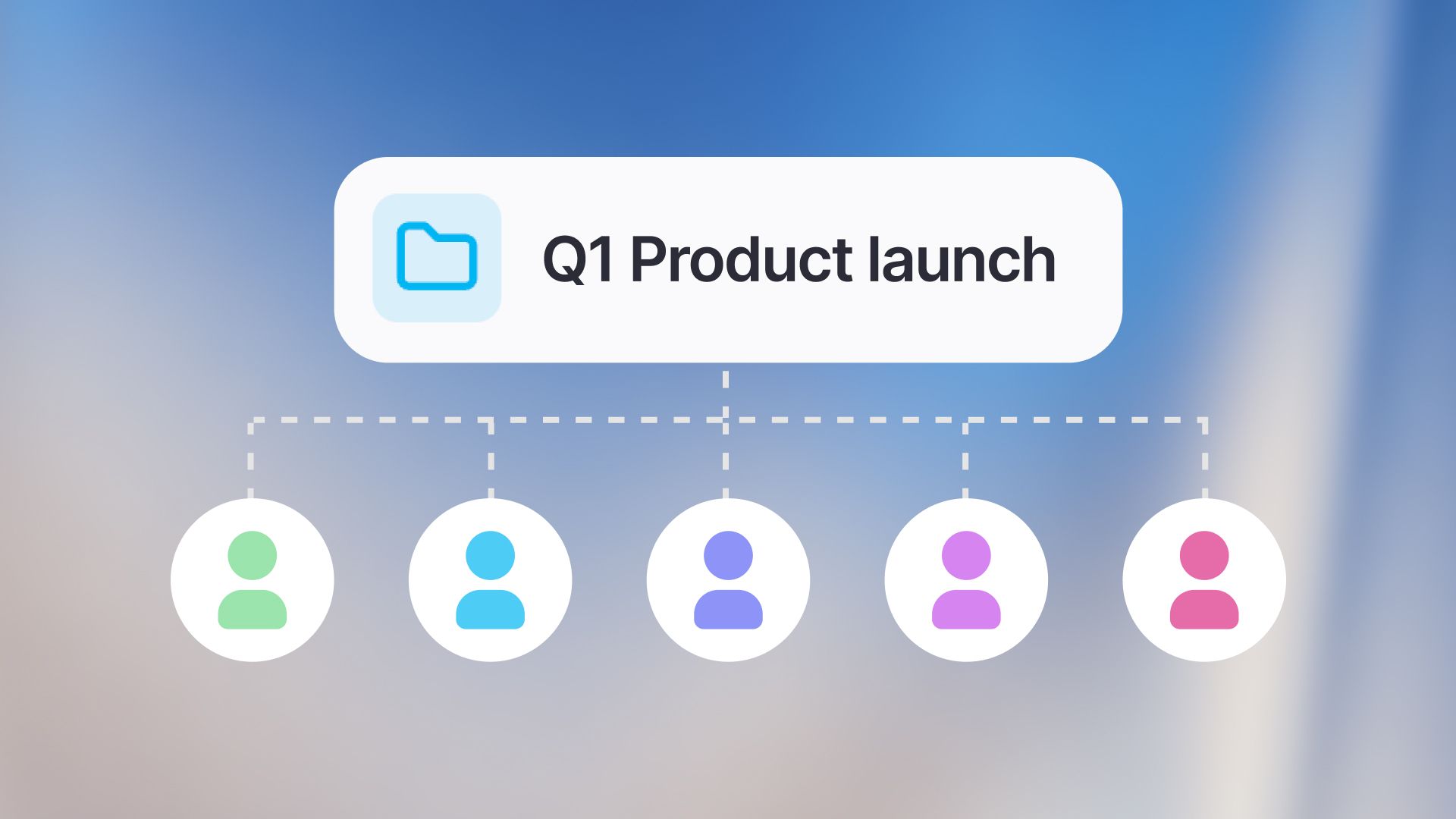
Until now, projects have been a great way to organize your own chats and configure context through instructions and files for smaller projects. With project sharing, we are turning them into a powerful collaboration tool. You can now share entire projects, including all contained chats, files, and instructions, with your colleagues or entire groups.
Why Project Sharing?
Projects have always been great for organizing your own work. But we noticed that many of you were using them to structure work that is actually done collaboratively. Collaboration often happens in context, not just in single messages. When working on projects like a marketing campaign, a research topic, or a coding sprint, you often need to share the full picture, including files, instructions, and history. Instead of sharing individual chats one by one, you can now give your team access to the entire context of a project and allow others to build on top of your work.
Key Features
Flexible Sharing
You can now share a project with specific users or groups in your workspace. Everyone with access can view the chats, files, and custom instructions within that project. This is perfect for onboarding new team members to a topic or keeping everyone aligned.
Better Organization
To help you manage shared and private projects, we have updated the project’s sidebar and added filtering options to the project view. You can now easily filter chats created “By you" or "By others" to keep your workspace clutter-free.
Granular Permissions
You stay in control of your data. When sharing a project, you can manage access by choosing the roles of your collaborators. Editors can share the project with others, change the project title, update instructions, and manage attached files. They can also add new conversations to the project. Users have read-only access. They can see project configurations, read all chats, and view project contents. All conversations added to a shared project, whether existing or new, are visible to all project members.
Important: Regardless of your role, you are the only one who can change, rename, or delete your own chats, even if the project is deleted.
Project Sharing is available starting today. To share a project, open your project and click on the "Share" button at the top right.
We can’t wait for your feedback and to hear how you collaborate! 🙌